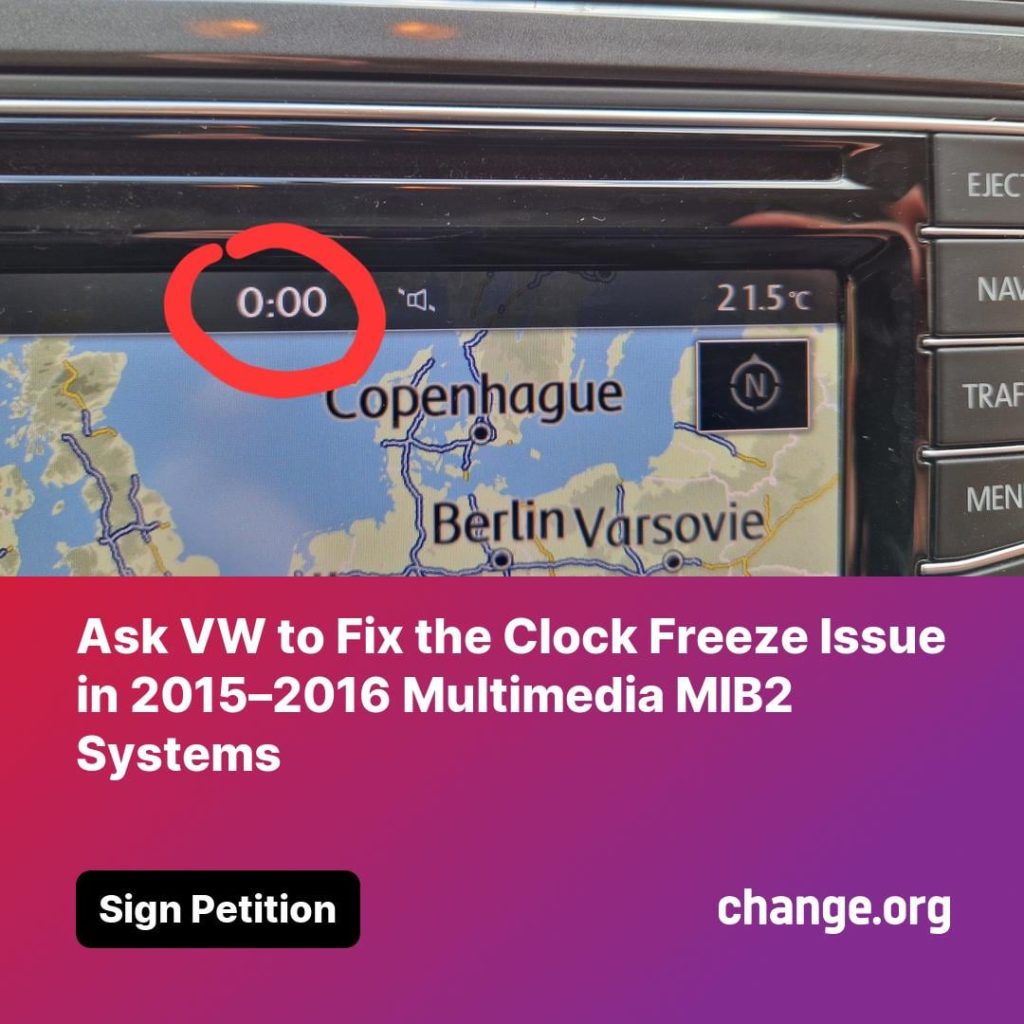
Have you ever noticed that the clock in your Volkswagen Jetta is off? Maybe daylight saving time just kicked in, or the battery died, resetting your settings.
Whatever the reason, knowing how to change the time in your Jetta is a simple trick that can save you from missed appointments and constant clock-checking. In this guide, you’ll learn exactly how to adjust your car’s clock quickly and easily.
No complicated steps, no tech headaches—just clear, straightforward instructions you can follow right now. Keep reading to get your Jetta’s time set perfectly every time.
Locate The Clock Controls
Locating the clock controls in a Volkswagen Jetta is the first step to changing the time. The clock controls are usually integrated with the car’s infotainment system or dashboard. Knowing their exact place saves time and avoids confusion.
The clock settings may differ depending on the model year of your Jetta. Some older models have physical buttons near the radio. Newer models use the touchscreen interface for adjustments.
Check The Dashboard Area
Look closely at the dashboard around the center console. Clock control buttons often appear near the radio or infotainment screen. These buttons might be labeled “Clock,” “Time,” or show a clock icon.
Explore The Infotainment System
Touchscreen models require navigation through menus. Press the “Menu” or “Settings” button on the infotainment screen. Search for options related to “Clock” or “Time” settings.
Refer To The Owner’s Manual
The owner’s manual provides clear instructions and diagrams. Find the section about the clock or time settings. This guide helps locate controls specific to your Jetta model.
Use Steering Wheel Controls
Some Jetta models allow clock adjustments using steering wheel buttons. Check if your steering wheel has buttons for menu navigation. These controls can help access the clock settings without reaching the dashboard.

Credit: www.alexandriavw.com
Turn On The Ignition
Turning on the ignition is the first move in changing the time on your Volkswagen Jetta. This step allows the car’s electrical system to activate without starting the engine. It prepares the dashboard and clock for adjustments. Understanding how to correctly turn on the ignition saves time and avoids confusion.
Locate The Ignition Switch
Find the ignition switch on the right side of the steering column. It looks like a small slot or button where you insert the key. In newer models, it may be a push-button start instead of a traditional key slot.
Insert The Key Or Use The Push Button
- For key models, insert the key fully into the ignition slot.
- For push-button models, keep the key fob inside the car.
Turn The Key To The Accessory Position
Rotate the key one click forward. This position turns on the dashboard lights and electronics. The engine will not start yet. For push-button models, press the start button once without pressing the brake pedal.
Check The Dashboard Lights
Ensure the instrument panel lights up. This confirms the ignition is on. The clock and other settings become adjustable at this point.
Access The Clock Settings
Accessing the clock settings in your Volkswagen Jetta is the first step to ensuring your time display is accurate. The process is straightforward but varies slightly depending on your Jetta’s model year and infotainment system. Knowing exactly where to find these settings saves you time and avoids unnecessary frustration.
Locate The Infotainment Screen Or Dashboard Controls
Your Jetta’s clock settings are typically adjusted via the infotainment screen or the dashboard controls. Most newer models feature a touchscreen where you can easily navigate to the settings menu. Older models might require you to use physical buttons or knobs near the display.
Look for a “Menu” or “Settings” button either on the center console or on the touchscreen interface. If your car has a multifunction steering wheel, some clock adjustments might also be accessible there.
Navigate To The Clock Or Time Settings Menu
Once you access the main settings, find the section labeled “Clock,” “Time,” or “Date & Time.” This menu contains all the options you need to adjust the time, including setting AM/PM, 12-hour or 24-hour formats, and sometimes the date.
Take note that some Jetta models automatically sync time via GPS or your phone’s connection. If your clock isn’t syncing correctly, manual adjustment here will correct the time immediately.
Check For Vehicle-specific Instructions
Different Jetta trims and years might have slightly different menu paths or button layouts. For example, a 2019 Jetta with the MIB II system will differ from a 2015 model with a simpler radio interface.
Consult your owner’s manual or the infotainment system’s help section if you get stuck. These resources often provide step-by-step guidance tailored to your exact Jetta model.
Adjust The Hours
Adjusting the hours on your Volkswagen Jetta clock keeps your time accurate. This helps avoid confusion while driving and ensures your schedule stays on track. The process is quick and simple. You can do it right from the dashboard display without extra tools.
Locate The Clock Settings
Start by turning on your Jetta’s ignition. Look for the menu button on the dashboard or touchscreen. This opens the settings where you can change the clock. The display may show “Setup,” “Settings,” or a clock icon. Select the clock or time option to proceed.
Use The Controls To Change Hours
Once in the clock settings, focus on adjusting the hours. Use the tuning knob or arrow buttons to increase or decrease the hour value. Each press moves the hour forward or backward by one. Stop when the display shows the correct hour.
Confirm And Save The New Time
After setting the hour, look for a button labeled “OK,” “Set,” or “Save.” Press this to confirm your choice. The clock now updates to the new hour. Check the display to ensure the time is correct before exiting the menu.
Set The Minutes
Setting the minutes on your Volkswagen Jetta’s clock might seem like a small task, but it can make a big difference in keeping you on schedule. If you’ve ever found yourself running late because of a slightly off clock, you know how important this is. Adjusting the minutes is straightforward once you know where to look and what buttons to press.
Locate The Clock Adjustment Buttons
Start by finding the clock adjustment buttons on your Jetta’s dashboard or infotainment system. These buttons are often labeled with “H” for hours and “M” for minutes, or they might be part of a touchscreen menu.
Not sure where they are? Check your owner’s manual or glance near the radio controls. The minute setting button is your main focus here.
Press The Minute Button To Adjust
Once you find the minute button, press it repeatedly to move the minutes forward. Each press usually increases the minutes by one.
If you hold the button down, some models will speed up the adjustment, letting you reach the correct minute faster. Have you noticed how some buttons respond differently when pressed versus held? This can save you time.
Confirm The Time Setting
After setting the minutes, look at your display to ensure the time is correct. If your Jetta uses a touchscreen, there might be a “set” or “OK” button to confirm the change.
Don’t forget to check whether the clock switches between 12-hour and 24-hour formats to match your preference. How do you prefer to see your time—AM/PM or military style?
Save The New Time
Saving the new time on your Volkswagen Jetta is an important final step after adjusting the clock. It ensures the correct time stays displayed and your vehicle’s systems sync properly. Without saving, the clock might reset, causing confusion later.
The process to save the new time is simple and quick. It helps keep your dashboard information accurate. This section explains how to confirm and save the time settings effectively.
Confirm The Adjusted Time
Check the time displayed on the screen or instrument panel. Make sure the hours and minutes match your intended setting. A clear confirmation prevents errors.
Press The Save Or Set Button
Locate the button labeled “Set,” “Save,” or an icon that represents saving. Press this button firmly to lock in the new time. Holding the button for a second or two usually works.
Wait For Confirmation Signal
After pressing the save button, watch for a beep or flashing light. This signal shows the time has been saved. If no signal appears, try pressing again.
Test By Turning Off And On The Vehicle
Turn off your Jetta and then start it again. Check if the time remains correct on the display. This test ensures the new time is stored properly.
Adjust If Needed
If the time resets or shows incorrectly, repeat the adjustment and saving process. Sometimes, a second attempt is necessary for the system to register changes.
Verify The Updated Clock
After setting the time on your Volkswagen Jetta, verifying the updated clock is essential. This ensures your vehicle’s clock displays the correct time. A properly set clock improves your driving experience and helps maintain punctuality.
Check the clock display on your dashboard. It should show the new time clearly. This quick check confirms that your adjustments were successful.
Check The Dashboard Clock Display
The clock is usually located in the center console or instrument panel. Look at the numbers and see if they match the time you set.
Observe The Time For A Few Minutes
Watch the clock for several minutes. Ensure the minutes increase as expected. This confirms the clock is running and not frozen.
Adjust Brightness And Visibility
Make sure the clock is easy to see in all lighting conditions. Adjust brightness settings if available. Clear visibility helps avoid mistakes while driving.
Test The Clock After Restarting The Car
Turn off the engine and restart your Jetta. Check if the clock keeps the correct time. This test confirms the settings are saved properly.
Use Your Phone Or Watch As A Reference
Compare the car clock with a reliable time source like your phone. This comparison ensures accuracy and helps catch any errors.
Troubleshooting Common Issues
Troubleshooting common issues with your Volkswagen Jetta’s clock can save time and frustration. Problems with the clock are often simple to fix. Identifying the exact issue helps in resolving it quickly. Some common problems include the clock not responding, time resetting, and display issues.
Clock Not Responding
The clock may not respond due to a blown fuse or power interruption. Check the fuse box for any blown fuses related to the clock or radio. A reset of the car’s electrical system can sometimes restore clock functionality. Disconnect the car battery for a few minutes, then reconnect it. If the problem continues, the clock module might need professional inspection.
Time Resets After Turning Off
Time resetting after switching off the car often points to battery or wiring problems. A weak or dying car battery can cause the clock to lose its settings. Inspect battery connections and clean any corrosion. Loose wiring behind the dashboard may also interrupt power to the clock. Secure any loose wires or connectors to maintain a stable power supply.
Display Issues
Faded or dim clock display affects visibility, especially in bright sunlight or at night. Adjust the dashboard brightness settings using the dimmer switch. If adjusting brightness does not help, the clock’s backlight bulb might need replacement. Sometimes, display glitches happen due to software errors. Resetting the infotainment system can fix these glitches.
Tips For Maintaining Accurate Time
Keeping the time accurate in your Volkswagen Jetta is important for daily convenience. A well-set clock helps avoid confusion and keeps you on schedule. Small habits can help maintain the clock’s accuracy for longer periods.
Regular checks ensure the clock shows the correct time. This avoids surprises during your drives. Simple actions can prevent the need for frequent resetting.
Check The Time After Battery Replacement
Changing the car battery can reset the clock. Always check the time after replacing the battery. Reset it quickly to prevent confusion while driving.
Avoid Disconnecting The Car Battery
Disconnecting the battery often resets your car’s clock. Keep the battery connected unless necessary. This helps maintain time settings without interruption.
Use The Manual Clock Setting Option
Manual setting allows precise control over the clock. Use the car’s menu to set the time exactly. This method reduces errors from automatic settings.
Adjust Time For Daylight Saving Changes
Daylight saving changes affect your car’s clock. Adjust the time forward or backward as required. This keeps your clock aligned with local time.
Refer To The Owner’s Manual
The owner’s manual has detailed instructions for your Jetta’s clock. Follow the steps to ensure correct time settings. The manual also offers troubleshooting tips.

Credit: www.youtube.com

Credit: www.billjacobsvw.com
Frequently Asked Questions
How Do I Set The Time On A Volkswagen Jetta?
To set the time, turn on the ignition. Press the “Menu” button on the infotainment system. Navigate to “Settings” and select “Clock. ” Adjust hours and minutes using the touchscreen or control knobs. Confirm your setting by pressing “OK” or “Set.
”
Can I Change Time On Volkswagen Jetta Without Engine Running?
Yes, you can change the time with the ignition in “Accessory” mode. This mode powers the infotainment system without starting the engine. Follow the same steps to access the clock settings and adjust the time.
Why Won’t My Volkswagen Jetta Clock Update Automatically?
If your clock doesn’t update, check your vehicle’s GPS settings. Ensure the infotainment system software is updated. Also, confirm your time zone is set correctly in the “Clock” or “Time” settings menu.
Is There A Manual Way To Change Jetta Clock?
Yes, older Jetta models use physical buttons near the clock display. Press and hold “H” to change hours and “M” for minutes. Release buttons when the correct time shows. This method varies by model year.
Conclusion
Changing the time on your Volkswagen Jetta is simple and quick. You just need to follow a few easy steps. This helps keep your clock accurate and useful. Don’t forget to check your car manual if needed. Regularly adjusting the time can save you from confusion.
Now, you can set your clock with confidence. Enjoy driving with the correct time always showing on your dashboard.