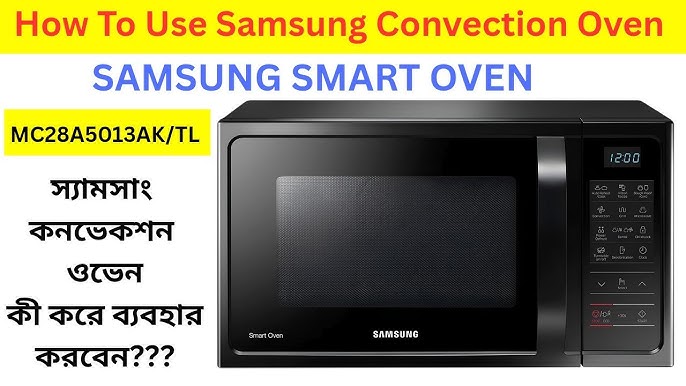
Are you the proud owner of a Samsung microwave oven but find yourself puzzled by its myriad of features? You’re not alone.
Many users discover that they’re only scratching the surface of what their microwave can truly offer. Imagine transforming your daily cooking routine into a seamless, stress-free experience with just a few simple steps. This guide is your gateway to unlocking the full potential of your Samsung microwave oven, helping you whip up delicious meals with ease and efficiency.
Dive in to uncover the secrets to mastering your kitchen companion, and get ready to revolutionize the way you cook.
Samsung Microwave Features
Samsung microwave ovens come loaded with features designed to make cooking faster and more efficient. Understanding these features can help you get the most out of your appliance. Whether you want to heat leftovers or try a new recipe, Samsung’s technology simplifies the process.
Control Panel Functions
The control panel is your command center. It usually includes a clear digital display and touch-sensitive buttons for easy navigation. You’ll find options to set cooking time, power levels, and start or stop the microwave quickly.
Many models also have a dial or keypad for entering specific times. Some even offer child lock functions to keep your kitchen safe. Have you noticed how intuitive a well-designed control panel can make your cooking experience?
Sensor Cooking Technology
Samsung’s sensor cooking technology detects the moisture and temperature of the food. It automatically adjusts the cooking time and power level without you needing to guess. This feature ensures your meals are neither undercooked nor overcooked.
Imagine heating a plate of leftovers that come out perfectly warm every time. This sensor feature saves you from the trial and error of manual settings. It’s especially handy when you’re in a hurry or unfamiliar with the dish.
Preset Cooking Modes
Preset cooking modes make using your microwave as simple as pressing a button. Samsung offers modes for popcorn, pizza, beverages, and even frozen vegetables. These presets are fine-tuned for optimal results on common foods.
Using a preset mode means you don’t need to remember the right time or power level. It’s perfect when you want consistent results without extra thought. Have you tried using presets to speed up meal prep and reduce guesswork?
Setting Up Your Microwave
Setting up your Samsung microwave oven correctly ensures you get the best performance and avoid common mishaps. A few simple steps during installation can save you time and frustration later. Understanding how to adjust power levels and use the timer also helps tailor your cooking experience perfectly.
Initial Installation Tips
Place your microwave on a flat, stable surface with enough space around it for ventilation. Avoid enclosed cabinets unless specified by the manual, as poor airflow can cause overheating. Make sure the power outlet is easily accessible and matches your microwave’s voltage requirements.
Have you checked that the door seals tightly? A loose door can affect cooking efficiency and safety. Also, remove all packaging materials and stickers before the first use to prevent any unpleasant smells or damage.
Power Level Adjustments
Your Samsung microwave offers multiple power levels, allowing you to cook different foods perfectly. Instead of guessing, use the power level button to adjust settings based on your recipe’s needs. For example, defrosting requires a low power level, while reheating leftovers might need medium-high.
Remember that lower power doesn’t mean slower cooking; it means gentler heat to avoid overcooking. Have you tried using power levels to soften butter or melt chocolate? It works much better than full power, preventing burning or uneven heating.
Using The Timer And Clock
Setting the correct time on your microwave clock keeps your kitchen running smoothly. You can usually set the clock by pressing the clock button, entering the time, and confirming it. This small step helps when you use timed cooking functions or delay start options.
The timer feature can act like a kitchen stopwatch, even without cooking. Use it to track boiling eggs or steep tea without using another device. Have you ever forgotten something on the stove? The microwave timer can be your new reminder tool.
Cooking Techniques
Samsung microwave ovens offer versatile cooking techniques that save time and effort. They heat food evenly and preserve flavors. Understanding how to use these features improves your cooking experience.
Reheating Leftovers
Reheating food in a Samsung microwave is quick and simple. Place your leftovers on a microwave-safe plate. Use the reheat function or set power to medium. Stir or rotate the food halfway for even heat.
Use a cover to keep moisture inside. Avoid overheating to prevent drying out the food. Check the temperature before eating to ensure it is hot enough.
Defrosting Frozen Foods
Defrosting works best with the dedicated defrost mode. Select the type of food, like meat or vegetables. Enter the weight to get the right time and power level. The microwave gently thaws without cooking the edges.
Pause and check the food often. Turn or rearrange pieces for uniform thawing. After defrosting, cook the food immediately to keep it safe.
Cooking Fresh Meals
Microwaves can cook fresh meals fast and easily. Use the preset cooking menus for common dishes like rice or vegetables. Add ingredients in a microwave-safe container with a lid.
Stir food midway to spread heat evenly. Use lower power settings for delicate items. Adjust cooking time based on portion size and recipe.

Credit: www.espares.co.uk
Using Preset Modes
Using preset modes on your Samsung microwave oven can save you time and ensure your food is cooked just right. These modes are designed to handle common cooking tasks with the perfect power levels and cooking times already set. You don’t need to guess or constantly adjust settings, making your cooking experience smoother and more reliable.
Popcorn And Snacks
Popcorn preset mode is a lifesaver when you want a quick snack without burning a single kernel. Just place your popcorn bag inside, select the popcorn button, and the microwave takes care of the rest. The microwave’s sensors monitor the popping sound, stopping at the right moment to avoid overcooking.
Snacks like frozen fries or pizza slices also have their dedicated presets. This means your snack gets heated evenly and stays crispy, not soggy. Have you ever struggled with cold spots in your microwave snacks? Using these presets can solve that problem effortlessly.
Vegetables And Rice
Cooking vegetables and rice in the microwave can be tricky if you don’t have the timing right. Samsung’s presets for these foods help you get perfectly steamed vegetables or fluffy rice without extra pots or pans. Simply select the vegetable or rice mode, and the microwave adjusts power and time based on typical portions.
These presets often include options for different types of vegetables or rice, so you can tailor the cooking process. Have you tried microwaving broccoli without a preset? It often ends up too soft or unevenly cooked. Using the preset ensures your veggies stay crisp and nutritious.
Beverages And More
Reheating coffee, tea, or warming milk is easier with beverage presets that prevent overheating or burning. Just press the beverage button, and your drink heats to the ideal temperature without scorching. It’s especially helpful if you’ve stepped away from your cup for a while.
Beyond drinks, other presets include settings for defrosting or cooking specific foods like eggs or fish. These modes take out the guesswork and help avoid overcooking delicate items. What food do you find hardest to microwave? Exploring these presets might surprise you with how well they work.
Cleaning And Maintenance
Keeping your Samsung microwave oven clean and well-maintained not only extends its lifespan but also ensures your food tastes fresh every time. Regular care can prevent stubborn stains and unpleasant smells that might affect your cooking experience. Let’s dive into some practical ways you can keep your microwave in top shape with simple cleaning and maintenance routines.
Safe Cleaning Practices
Always unplug your microwave before cleaning to avoid any risk of electric shock. Use a soft, damp cloth with mild detergent to wipe the interior and exterior surfaces gently. Avoid harsh chemicals or abrasive sponges that can damage the microwave’s finish or internal components.
Pay close attention to the door seals—cleaning them thoroughly helps maintain a proper seal, which is essential for efficient operation. If food splatters harden inside, soften them by heating a cup of water inside the microwave for a few minutes, then wipe clean easily.
Removing Odors
Stale or burnt smells can be frustrating, but you can tackle them with simple household ingredients. Place a bowl filled with water and a few slices of lemon or a tablespoon of baking soda inside the microwave and heat it for about 3-5 minutes.
The steam will loosen trapped odors, making them easier to wipe away. Have you tried this method before? You might find that it refreshes your microwave without using any artificial fragrances or sprays.
Routine Maintenance Tips
Check and clean the microwave’s turntable regularly to prevent buildup of food particles. Make sure the vents are free from dust or debris by gently vacuuming or wiping them down.
Inspect the door latch to ensure it closes properly—any damage here can reduce microwave efficiency. If you notice unusual noises or uneven heating, it might be time to consult the user manual or contact Samsung support for professional advice.

Credit: www.samsung.com
Troubleshooting Common Issues
Owning a Samsung microwave oven means you expect quick and reliable cooking. But what happens when it stops working as it should? Troubleshooting common issues can save you time and frustration, helping you get back to meal prep without calling for help.
Microwave Not Heating
If your microwave turns on but doesn’t heat food, the problem might be with the magnetron or door switch. Check if the door closes properly—sometimes a loose latch can stop the heating process.
Also, try running the microwave empty for a few seconds; if it sparks or makes unusual noises, stop immediately and unplug it. This simple test can help you decide if professional repair is necessary. Have you checked if the power supply is stable? Power surges or faulty outlets often cause heating issues.
Control Panel Errors
Errors on the control panel can be confusing. If you see flashing lights or error codes, your microwave might be experiencing a software glitch or a stuck button.
Try unplugging the microwave for a minute, then plug it back in to reset the system. If the problem persists, clean the control panel gently with a soft cloth—sometimes dirt or moisture triggers errors.
Think about your last cleaning or if any liquid spilled on the panel. Could that be the cause? Avoid pressing multiple buttons at once, as it can confuse the system.
Unusual Noises
Strange sounds like buzzing, rattling, or humming often signal mechanical issues. The turntable motor or the cooling fan might be the culprits.
Remove the turntable and check for debris or misalignment. If the noise continues, the motor might be worn out and need replacement.
Have you noticed the microwave getting hotter than usual? Overheating can cause extra noise and damage internal parts.
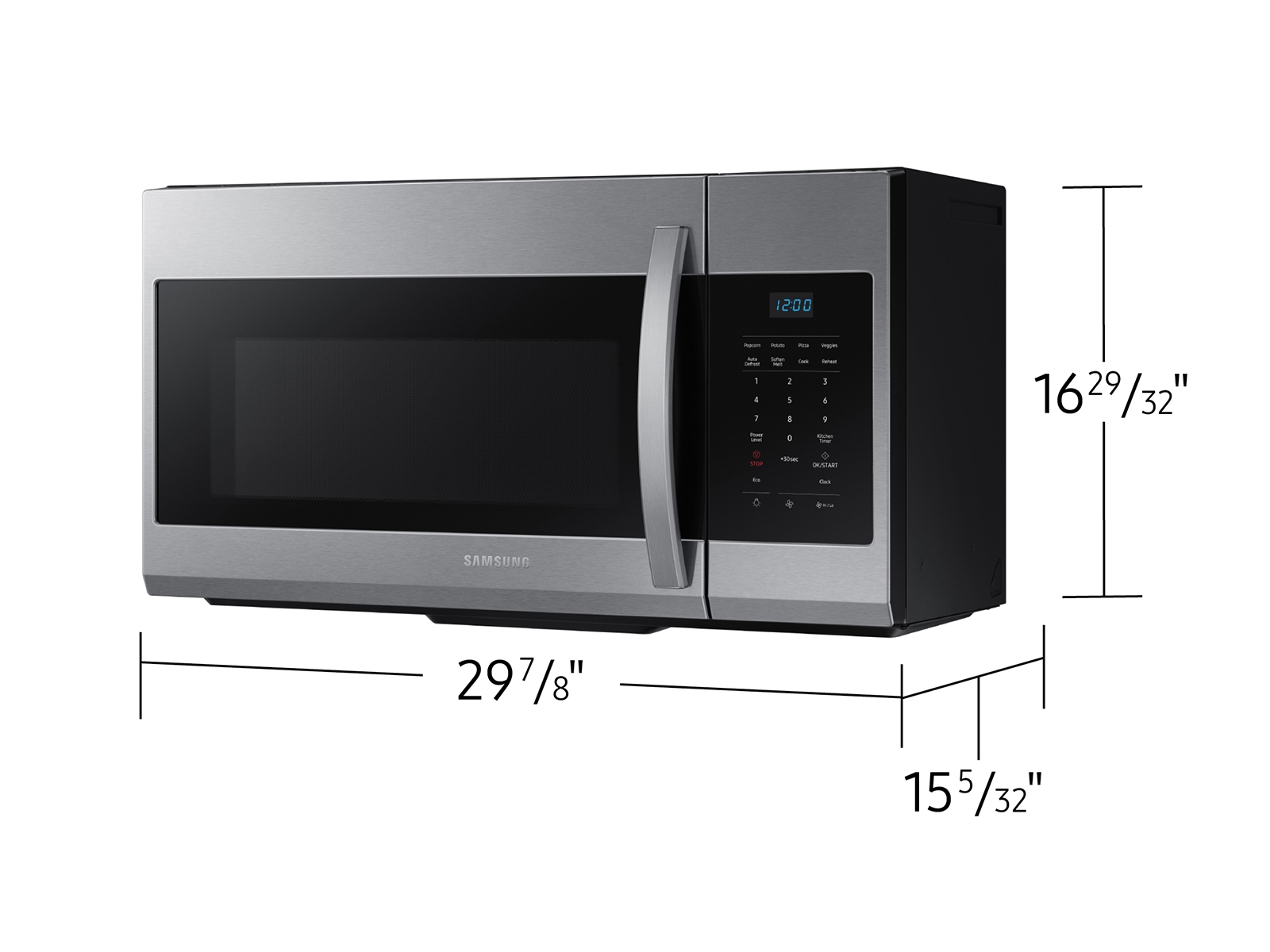
Listening carefully to your microwave can reveal much about its health. Don’t ignore noises—they’re your microwave’s way of asking for help.
Credit: www.samsung.com
Frequently Asked Questions
How Do I Set Cooking Time On Samsung Microwave?
Press the “Time Cook” button. Enter the desired cooking time using the number pad. Then press “Start” to begin cooking.
What Power Levels Are Available On Samsung Microwave?
Samsung microwaves typically offer 10 power levels, from low (10%) to high (100%). Adjust power for different food types.
How To Use The Defrost Function On Samsung Microwave?
Press the “Defrost” button. Enter food weight or time. Microwave will automatically set appropriate power and time for thawing.
Can I Use Samsung Microwave For Grilling?
Yes, many Samsung microwaves have a grill function. Select “Grill” mode and set time. Use for browning and crisping.
Conclusion
Using a Samsung microwave oven is simple and saves time. Follow the steps to cook or heat food safely. Always keep the microwave clean and check the user guide. Adjust settings based on your meal type for best results. Enjoy quick meals with less effort and stress.
Practice makes perfect—soon, you will feel confident using it every day. A good microwave helps in busy kitchens and makes life easier. Try different cooking modes to find what works best for you.