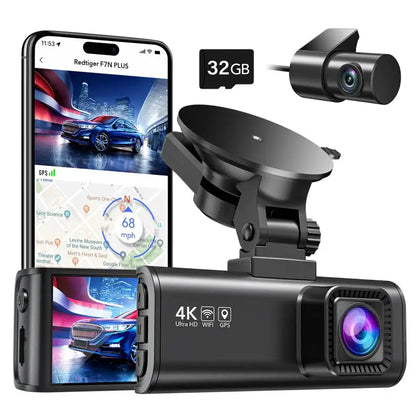
Have you ever wondered if your dash camera keeps an eye on your car even when it’s turned off? Imagine leaving your vehicle parked and feeling completely secure, knowing that your dash cam is still watching out for you.
But does it really work when the engine is off? This question matters because unexpected incidents can happen anytime — and your dash cam could be your best witness. Keep reading to find out how dash cameras work after you switch off your car, and learn what you can do to protect your vehicle around the clock.
Dash Camera Basics
Dash cameras record video footage while you drive. They help capture events on the road. Many people wonder if dash cameras work when the car is off.
This depends on the power source and camera type. Let’s look at how dash cameras power on and the types available.
How Dash Cameras Power On
Most dash cameras get power from the car’s electrical system. They usually plug into the 12V cigarette lighter socket. When the car turns on, so does the camera.
- Powered by car battery through cigarette lighter
- Some use a hardwired connection to the fuse box
- Battery-powered dash cams have internal batteries
- Models with parking mode may run when the car is off
Dash cams with parking mode can record while the car is parked. They use a low power mode to save battery. Not all cameras have this feature.
Types Of Dash Cameras
Dash cameras come in different styles. Each type offers different features and power options.
| Type | Power Source | Works When Car Is Off |
|---|---|---|
| Basic Dash Cam | Car battery via cigarette lighter | No |
| Hardwired Dash Cam | Fuse box connection | Sometimes (with parking mode) |
| Battery-Powered Dash Cam | Internal battery | Yes (limited time) |
| Dual-Lens Dash Cam | Car battery or hardwired | Depends on model |
Power Sources For Dash Cameras
Dash cameras need power to record video and work correctly. The power source affects if the camera runs while the car is off.
There are several ways to power dash cameras. Each method has different benefits and limits.
Using Car Battery
Many dash cameras get power from the car’s battery through the cigarette lighter or USB port. This method is easy and common.
When the car is off, the camera usually stops working because it stops getting power. Some cars keep power on for a short time after turning off. This allows the camera to keep recording briefly.
External Battery Packs
External battery packs can power dash cameras without using the car’s battery. They are separate devices that charge the camera.
- Provide power even when the car is off
- Can extend recording time
- Need regular recharging
- Easy to install and remove
Hardwiring To Vehicle
Hardwiring connects the dash camera directly to the vehicle’s fuse box. This method allows the camera to draw power constantly.
| Feature | Benefit | Note |
|---|---|---|
| Constant power supply | Camera works even when car is off | May drain battery if used too long |
| Clean installation | Wires hidden for neat look | Requires professional installation |
| Parking mode support | Records while parked | Depends on vehicle’s power system |
Parking Mode Features
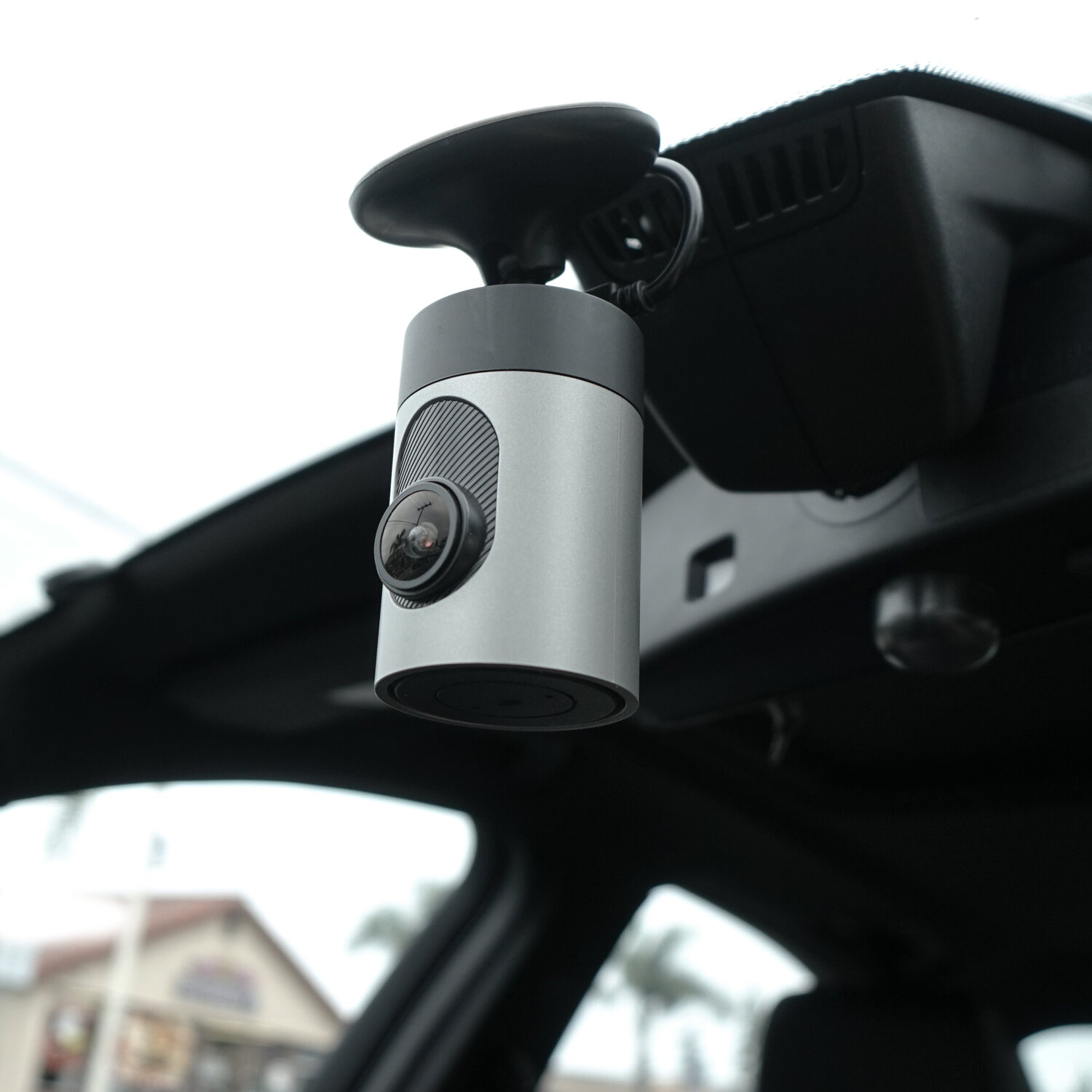
Dash cameras often have parking mode to keep recording when your car is off. This helps protect your vehicle from damage or theft while parked.
Parking mode uses special features to save battery and capture important events. These features include motion detection, impact detection, and time-lapse recording.
Motion Detection
Motion detection lets the dash cam start recording when it senses movement near the car. It stays off when there is no motion to save power.
This feature helps catch people or animals moving close to your vehicle. It records only when something is happening.
- Saves battery by recording only on movement
- Protects your car from vandalism or theft
- Records events without constant video storage
Impact Detection
Impact detection triggers recording if the camera senses a shock or vibration. This works even if the car is off.
The dash cam records the moment of impact to capture accidents or hit-and-run cases. It helps provide evidence later.
- Records when the car is hit or bumped
- Protects against parking lot accidents
- Saves clips automatically for easy review
Time-lapse Recording
Time-lapse recording takes photos at set times and combines them into a video. It uses less power than full video recording.
This feature lets the dash cam watch your car for hours without draining the battery. You get a quick summary of what happened.
- Captures long periods in short videos
- Reduces battery and storage use
- Good for monitoring parked cars over time
Credit: www.grdian.com
Battery Drain Concerns
Dash cameras can keep recording even when the car is off. This feature helps catch events around your vehicle. Some worry that it may drain the car battery.
Understanding how dash cams affect battery life helps you use them safely. Let’s look at the impact and how to prevent battery drain.
Impact On Car Battery Life
Dash cameras use power from the car battery to run when the engine is off. This constant power use can slowly drain the battery. If the battery drains too much, the car may not start.
Some dash cams have parking mode that records even when the car is parked. This mode uses more battery power than when the car is running. The risk depends on the battery size and camera power use.
Preventing Battery Drain
You can take steps to stop your dash cam from draining the battery. Many dash cams have low voltage cutoff settings. This setting turns the camera off if the battery gets too low.
It is smart to use a hardwire kit with a fuse. This kit protects the car battery by cutting power to the dash cam at set levels. Also, only use parking mode when needed.
- Set low voltage cutoff on dash cam
- Use a hardwire kit with battery protection
- Limit parking mode use to short periods
- Regularly check your car battery condition
Installation Tips For Off-state Recording
Dash cameras can keep recording even when your car is off. This feature helps catch incidents while parked. To use this, you must install your dash cam properly.
Good installation ensures the camera gets power safely without draining your car battery. Follow these tips to set up off-state recording correctly.
Choosing The Right Power Source
The power source is key for off-state recording. Many dash cams need constant power to work when the car is off. Choose a power source that fits your car’s electrical system.
Hardwiring kits connect the dash cam to your car’s fuse box. This setup lets the camera get power without using the cigarette lighter socket. It also helps avoid battery drain by using a low-voltage cutoff.
- Use a fuse tap to connect to a constant or switched fuse
- Choose a fuse with low current draw to save battery
- Install a voltage monitor to protect your car battery
- Check your car manual to find the right fuse slots
Professional Vs Diy Installation
Installing a dash cam for off-state recording can be done by yourself or by a professional. Each choice has pros and cons.
Professionals know car wiring well. They install the dash cam safely and hide wires neatly. They can prevent damage to your car’s electrical system.
DIY installation saves money but needs care. You must understand your car’s fuse box and wiring. Use proper tools and follow safety rules. If unsure, seek help from experts.
- Professional installation costs more but is safer
- DIY installation is cheaper but needs skill
- Always disconnect the car battery before starting
- Use a multimeter to find correct fuses
- Secure wires to avoid loose connections

Credit: www.redtigercam.com
Popular Dash Cameras With Off-state Recording
Dash cameras can record even when your car is off. This feature is helpful for parking protection and security.
Some dash cams have special modes to detect motion or impacts. They start recording without the engine running.
Top Models And Features
Many dash cameras offer parking mode or off-state recording. These cameras use low power to stay on and record events.
- Vantrue N4: Three-channel recording with parking monitoring.
- Thinkware U1000: 4K video and time-lapse parking mode.
- BlackVue DR900X: Cloud connectivity and impact detection.
- Nextbase 622GW: Intelligent parking mode with buffered recording.
- Viofo A129 Pro Duo: Dual channel with motion detection in parking mode.
These models use built-in sensors to start recording after impact. Some also record motion near the car.
Price Vs Performance
Dash cams with off-state recording vary in price. Higher price usually means better features and video quality.
Budget models may lack advanced parking mode or have shorter recording times. Premium models offer cloud access and better sensors.
| Model | Price Range | Off-State Recording | Special Features |
|---|---|---|---|
| Vantrue N4 | $$$ | Yes | Three channels, G-sensor |
| Thinkware U1000 | $$$$ | Yes | 4K video, time-lapse |
| BlackVue DR900X | $$$$ | Yes | Cloud, impact detection |
| Nextbase 622GW | $$$ | Yes | Buffered parking mode |
| Viofo A129 Pro Duo | $$ | Yes | Dual channel, motion detect |
Legal And Privacy Considerations
Dash cameras can record even when the car is off, but this raises legal and privacy questions. Understanding these issues is important for safe use.
Knowing the rules helps protect you from legal trouble. It also respects others’ privacy rights.
Recording Laws
Different places have different laws about recording. Some states allow recording in public without permission. Others require consent from all parties.
Dash cameras that record when the car is off might face special rules. Check local laws to know if parking mode recording is allowed.
- Some states require audio recording consent.
- Video recording in public may be legal.
- Private property may have restrictions.
- Always check local and state laws.
Privacy Issues
Dash cameras can capture people without their knowledge. This can raise privacy concerns, especially if the camera records near homes or private spaces.
Using cameras responsibly means not invading others’ privacy. Avoid recording in places where people expect privacy.
- Inform passengers about recording.
- Disable audio recording if unsure.
- Store footage securely to protect privacy.
- Delete unnecessary videos promptly.

Credit: www.crashservices.com
Frequently Asked Questions
Do Dash Cameras Record When The Car Is Off?
Most dash cameras stop recording when the car is off unless they have a parking mode feature. Parking mode uses a built-in battery or external power to monitor events like impacts while parked, providing continuous protection even when the engine is off.
How Do Dash Cameras Work Without Car Power?
Dash cameras with parking mode use an internal battery or connect to a constant power source. This allows them to stay active and record incidents even when the car ignition is turned off, ensuring surveillance and evidence collection at all times.
Can Dash Cameras Drain My Car Battery When Off?
Dash cameras with parking mode may drain your car battery if not installed properly. Using a low-voltage cutoff feature or a separate power source can prevent battery drain while keeping the camera active when the car is off.
Is Parking Mode Essential For Dash Cams To Work Off?
Yes, parking mode is essential for dash cameras to record when the car is off. It enables the camera to detect motion or impacts and start recording without relying on the ignition power.
Conclusion
Dash cameras can operate when the car is off. It depends on the model. Some dash cams have parking mode features. They detect motion or impact. This helps capture important events. Check your dash cam’s specifications. Ensure it has the features you need.
Consider power options, too. Some require external battery packs. Others use the car’s battery. Choose a reliable brand for better performance. Make sure it’s compatible with your vehicle. Dash cameras offer safety and security. They’re a smart investment for any driver.