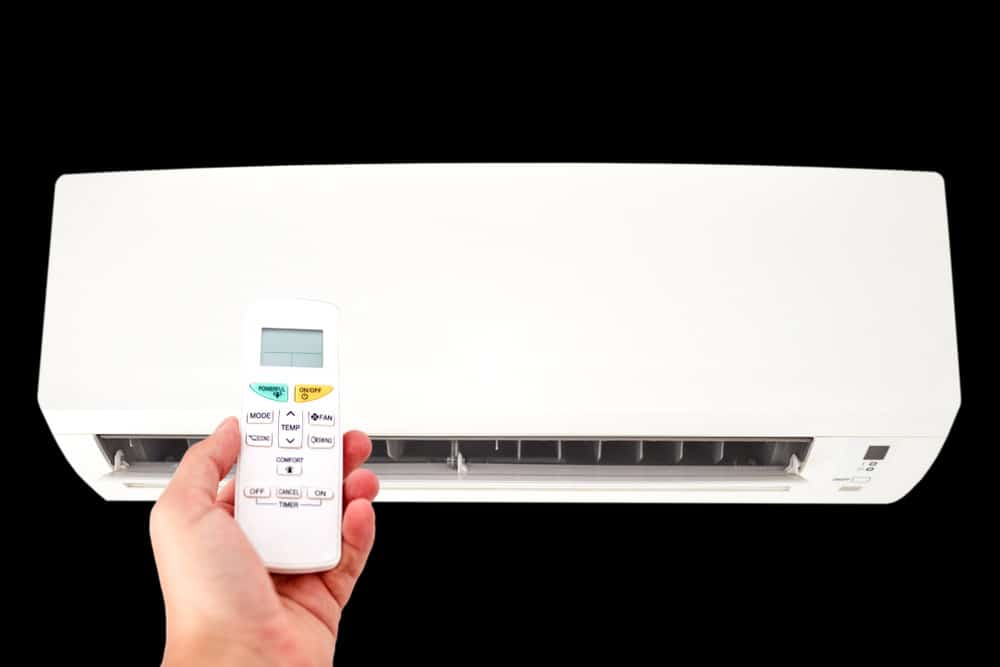
Have you ever noticed the word “Hold” on your air conditioner’s remote or control panel and wondered what it really means? If you’ve been puzzled by this simple yet important feature, you’re not alone.
Understanding what “Hold” does can save you money, keep your home comfortable, and help your AC run more efficiently. You’ll discover exactly how the “Hold” function works and why it might be one of the smartest tools you’re not fully using on your air conditioner.
Keep reading to take control of your cooling system like a pro!

Credit: www.georgiaairrepair.com
Hold Function Basics
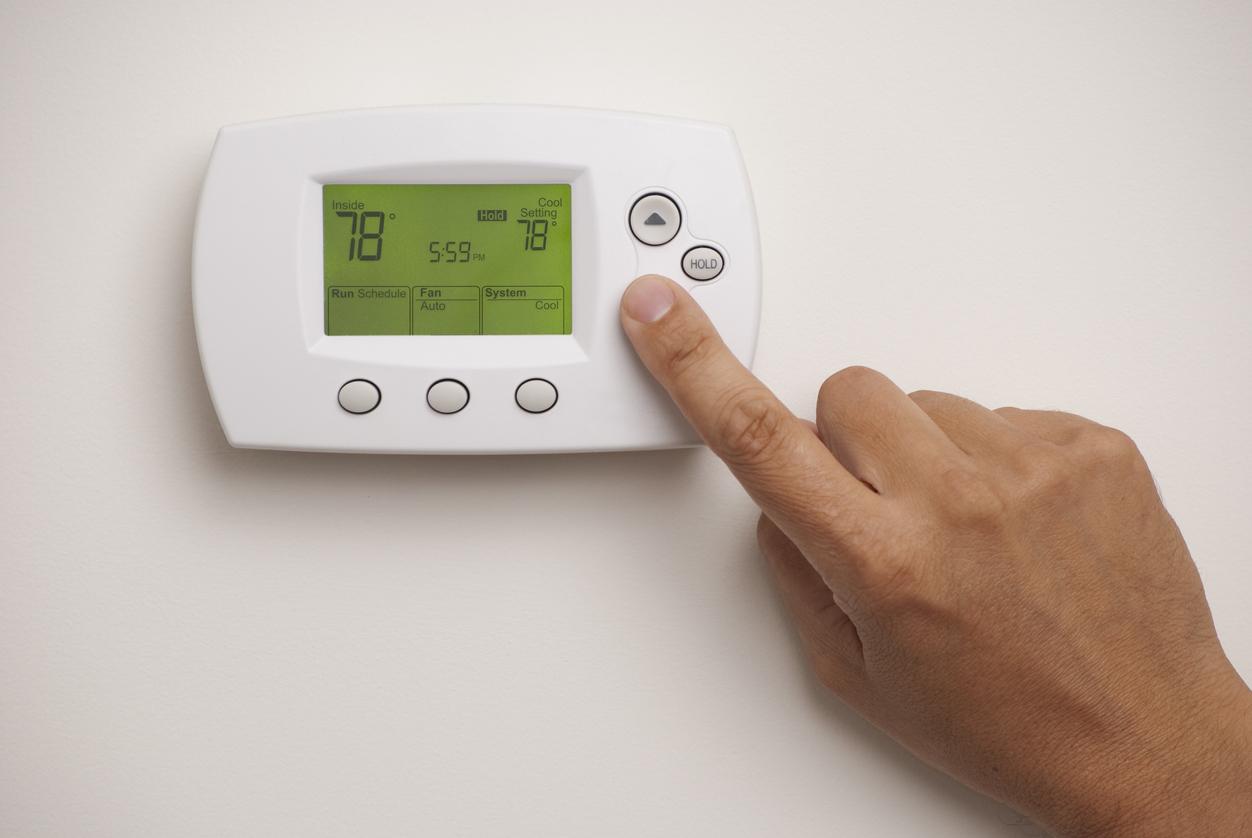
The hold function on an air conditioner helps keep the settings steady. It stops changes until you turn it off.
This feature is useful for keeping a constant temperature or mode during certain times.
Purpose Of Hold Mode
Hold mode keeps the current air conditioner settings locked. It stops automatic changes from timers or sensors.
This helps maintain comfort without the unit adjusting on its own.
- Prevents temperature changes
- Keeps fan speed steady
- Stops mode switching (cool, heat, fan)
- Useful during sleep or work hours
How Hold Mode Works
When you activate hold mode, the air conditioner ignores timer and sensor commands. It keeps the current settings until you turn hold off.
This works by locking the thermostat controls and preventing automatic updates.
- Temperature stays fixed
- Fan speed does not change
- Operating mode remains the same
- Manual changes are possible unless locked
Effects On Temperature
The “Hold” function on an air conditioner helps keep the temperature steady. It stops the system from changing settings automatically.
This feature is useful when you want your room to stay at one temperature for a long time.
Maintaining Consistent Cooling
Using the hold option prevents the air conditioner from adjusting the temperature. It keeps the cooling level the same as you set it.
- Prevents sudden changes in room temperature
- Keeps the air conditioner running at a steady cooling rate
- Helps maintain comfort during hot weather
- Reduces the need to manually reset the temperature
Preventing Temperature Fluctuations
The hold function stops the air conditioner from reacting to small temperature changes. This keeps the room from getting too hot or too cold.
| Benefit | How Hold Helps |
| Stable Room Temperature | Stops automatic temperature shifts |
| Energy Use | Can lower energy spikes by avoiding frequent changes |
| Comfort | Makes the environment more comfortable for longer periods |
Energy Consumption Impact
Understanding how the “Hold” function works on your air conditioner can help you manage energy use. This mode affects how long your unit runs and how much power it consumes.
Energy use changes depending on how the Hold mode is set. It can either save energy or cause higher electricity bills.
Energy Savings Potential
The Hold mode can keep your air conditioner at a fixed temperature. This stops the unit from turning on and off often. Less cycling means less energy use over time.
- Maintains steady temperature without frequent changes
- Reduces compressor starts and stops
- Can lower overall power consumption in mild weather
- Helps avoid energy spikes from temperature swings
When Hold Mode Increases Usage
Hold mode can cause higher energy use if set incorrectly. If it keeps the AC running at a low temperature for long periods, the unit works harder.
| Situation | Energy Effect |
| Hold set to very cool temperature all day | High energy consumption due to constant cooling |
| Hold active when no one is home | Wasted energy cooling empty rooms |
| Hold prevents thermostat from adjusting | Misses chances to save energy during cooler periods |
Credit: www.callroth.com
Comfort And Convenience
The “Hold” feature on an air conditioner keeps the temperature steady. It stops the AC from changing settings automatically.
This feature helps users feel comfortable without adjusting controls often. It also saves energy by avoiding sudden temperature changes.
Benefits For Users
Using the “Hold” function offers clear advantages for comfort and ease of use.
- Keeps room temperature stable for long periods.
- Reduces the need to adjust the thermostat repeatedly.
- Prevents sudden temperature shifts that can cause discomfort.
- Helps save energy by maintaining a consistent setting.
- Ideal for overnight use or when you leave home for a while.
Limitations To Consider
The “Hold” feature has some limits that users should know before using it.
| Limitation | Explanation |
| Fixed Temperature | The AC will not adjust to outside temperature changes automatically. |
| Energy Use | Keeping a constant setting might use more energy in some situations. |
| Manual Reset | You must turn off “Hold” to change settings again. |
| Not for All Models | Some AC units may not support the “Hold” feature. |
How To Use Hold Mode Effectively
Hold mode on an air conditioner keeps the current temperature setting. It stops the AC from changing the temperature automatically.
This mode is useful when you want stable cooling or heating without interruptions. Knowing how to use it helps save energy and stay comfortable.
Best Practices
Use hold mode to keep a steady room temperature. This is helpful during times you want no changes in comfort.
Turn on hold mode when you leave home for a short time. It keeps the temperature fixed without extra cooling or heating.
- Set the temperature before activating hold mode
- Use hold mode during stable weather conditions
- Check your AC settings to confirm hold mode is active
- Turn off hold mode when you want the AC to adjust automatically
Common Mistakes To Avoid
Do not leave hold mode on for long periods. This can waste energy if the temperature outside changes a lot.
Avoid using hold mode without setting the right temperature first. The AC will keep the wrong temperature and cause discomfort.
- Forgetting to turn off hold mode when leaving home for a long time
- Setting too cold or too hot temperatures before activating hold mode
- Using hold mode during sudden weather changes
- Ignoring regular AC maintenance while using hold mode

Credit: www.youtube.com
Comparing Hold Mode To Other Settings
Air conditioners have different modes to control temperature and airflow. Hold mode keeps the settings steady without change.
Understanding how hold mode compares to other modes helps you use your air conditioner better.
Hold Vs. Auto Mode
Hold mode keeps the temperature and fan speed fixed. It does not adjust even if the room temperature changes.
Auto mode changes the settings to keep the room comfortable. It adjusts the fan and cooling as needed.
- Hold mode keeps one setting constant
- Auto mode changes settings automatically
- Hold mode is good for consistent temperature
- Auto mode saves energy by adjusting
Hold Vs. Fan Mode
Hold mode controls both temperature and fan speed together. It locks the settings in place.
Fan mode only runs the fan without cooling or heating. It helps circulate air in the room.
- Hold mode controls temperature and fan speed
- Fan mode runs fan only, no temperature change
- Hold mode maintains steady comfort
- Fan mode is useful for fresh air flow
Frequently Asked Questions
What Does “hold” Mean On An Air Conditioner?
“Hold” on an air conditioner means maintaining the current temperature setting. It prevents automatic adjustments by the thermostat, keeping the room at a steady temperature until you change it manually.
How Does The “hold” Feature Affect Energy Usage?
Using “Hold” can increase energy use since the AC runs continuously at a fixed setting. It stops temperature-based cycling, potentially running longer to maintain that exact temperature.
When Should I Use The “hold” Mode On Ac?
Use “Hold” mode when you want consistent temperature without automatic changes. It’s useful during sleep or specific comfort needs where stable cooling is preferred.
Can “hold” Mode Cause Ac System Issues?
“Hold” mode itself doesn’t harm the AC, but continuous operation may increase wear. Regular maintenance helps avoid problems when using this feature frequently.
Conclusion
The “Hold” feature on an air conditioner keeps settings steady. It stops the unit from changing temperature or fan speed. This helps maintain comfort without surprises. You can use it during sleep or away from home. It saves energy by avoiding frequent adjustments.
Understanding “Hold” makes your AC easier to use. Try it to see how it works for you. Simple and effective.