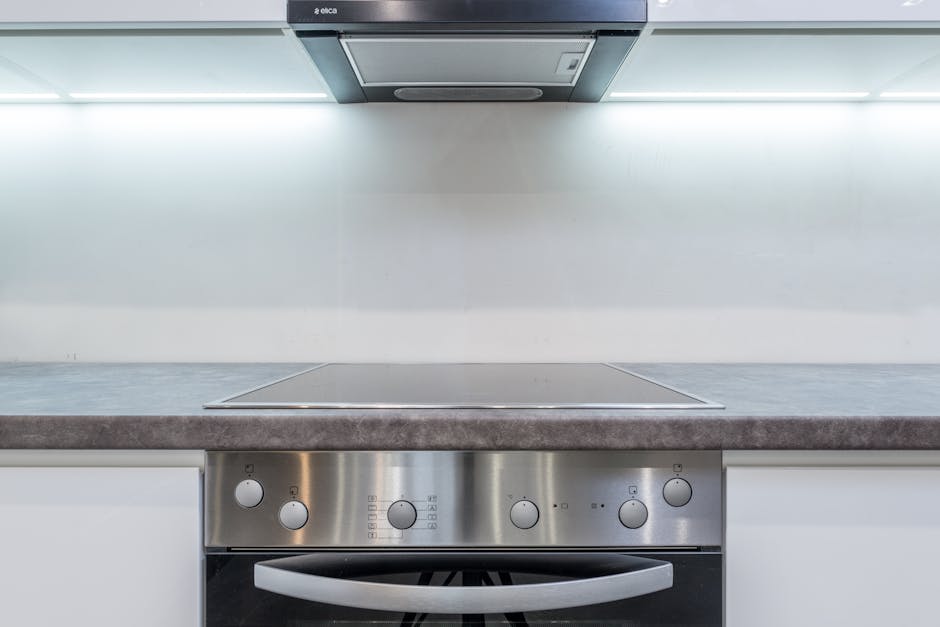
Picture this: You’ve just returned home with your bags full of fresh ingredients, ready to whip up a delicious meal. You step into your kitchen, eager to get cooking, only to be stopped in your tracks by a sleek, new induction cooktop.
You’re not alone if you’re wondering how to turn it on! Induction cooktops, with their modern design and energy efficiency, are becoming increasingly popular. But, they can seem a bit mysterious if you’re used to conventional stoves. The process to get started is simple and quick, and you’ll be cooking in no time once you know the basics.
Keep reading, because we’re about to demystify this kitchen marvel, ensuring you can start your culinary adventure with confidence.
Check Power Supply
Checking the power supply is the first step to turn on an induction cooktop. Without power, the cooktop will not work. This step ensures the cooktop gets electricity safely and correctly.
Make sure the cooktop is plugged into a working outlet. Sometimes plugs can come loose or outlets may not have power. Confirming the connection helps avoid confusion when the cooktop does not turn on.
Locate The Power Source
Find the power outlet where the cooktop is plugged in. It should be near the cooking area. Check for any switches that control power to the outlet.
Inspect The Power Cord
Look at the cooktop’s power cord for any damage. Cuts, frays, or bends can stop power flow. Replace or repair damaged cords before use.
Test The Electrical Outlet
Use a small device, like a lamp or phone charger, to test the outlet. If the device does not work, the outlet may be faulty.
Check The Circuit Breaker
Open your home’s electrical panel and find the circuit breaker for the kitchen. If it has tripped, reset it by switching it off and on again.
Use A Power Indicator
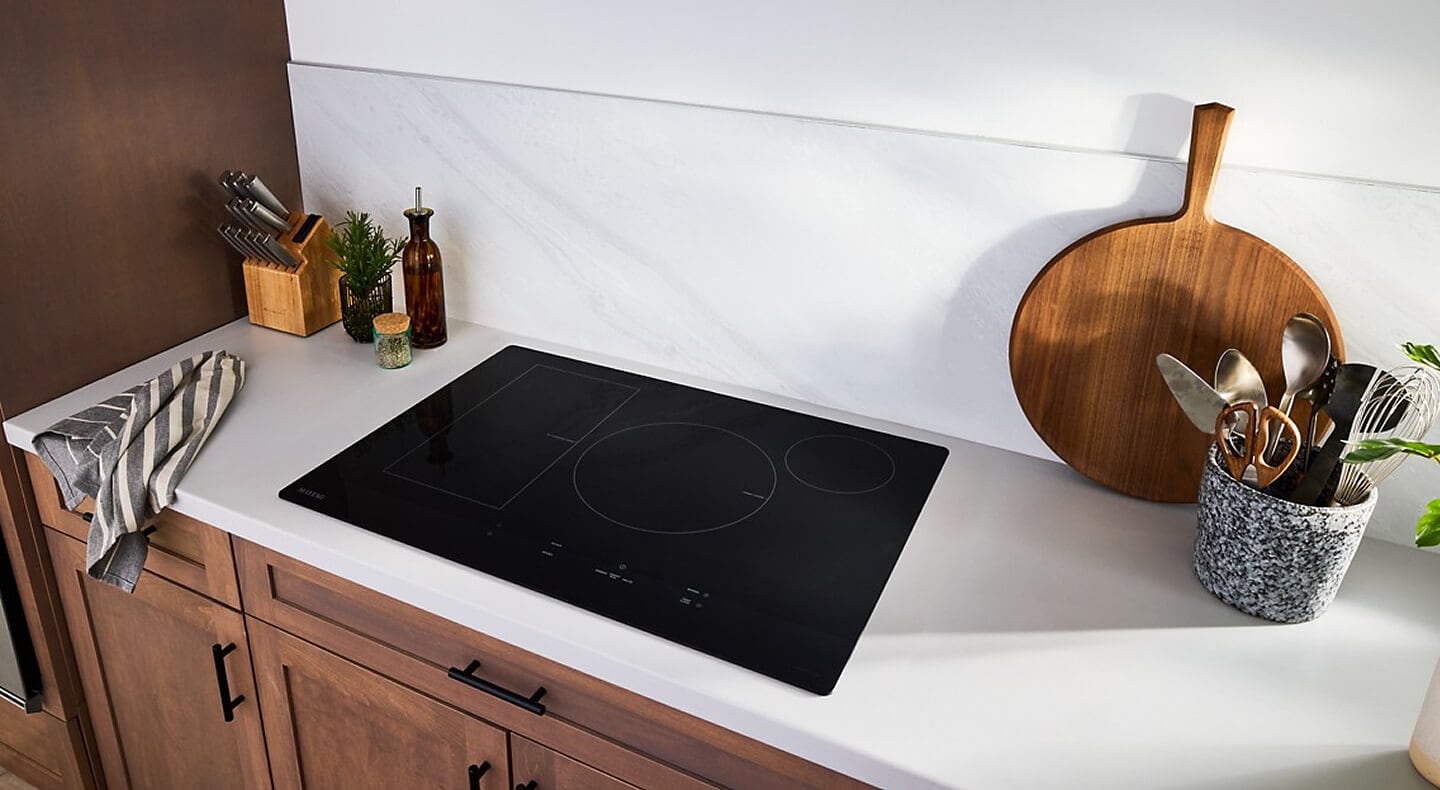
Many induction cooktops have a light or display that shows power status. Look for any signs of power before trying to turn it on.
Credit: www.maytag.com
Place Compatible Cookware
Placing compatible cookware on an induction cooktop is essential for it to work properly. Induction cooktops heat pots and pans using magnetic energy. The cookware must have a magnetic base to start heating. Without the right cookware, the cooktop will not turn on or heat up.
Choosing the right cookware ensures quick and efficient cooking. It also protects your cooktop from damage. Cookware that is not compatible can cause errors or no heat at all. Understanding which pots and pans work best helps you use your induction cooktop safely and effectively.
Check For Magnetic Base
Use a magnet to test your cookware’s base. If the magnet sticks, the cookware is compatible. Stainless steel and cast iron usually work well. Aluminum, copper, and glass do not work unless they have a magnetic layer.
Choose Flat-bottomed Cookware
The base of the cookware must be flat and smooth. This ensures full contact with the cooktop surface. Flat-bottomed cookware heats evenly and quickly. Avoid warped or rounded bottoms as they reduce efficiency.
Use Proper Size Cookware
Select cookware that matches the size of the cooking zone. Too small or too large cookware may not activate the cooktop. The induction cooktop senses cookware size and adjusts power. Proper fit improves energy use and cooking results.
Locate Control Panel
Locating the control panel is the first step to turn on an induction cooktop. This panel holds all the buttons and controls needed to operate the cooktop. Knowing where it is helps you start cooking quickly and safely.
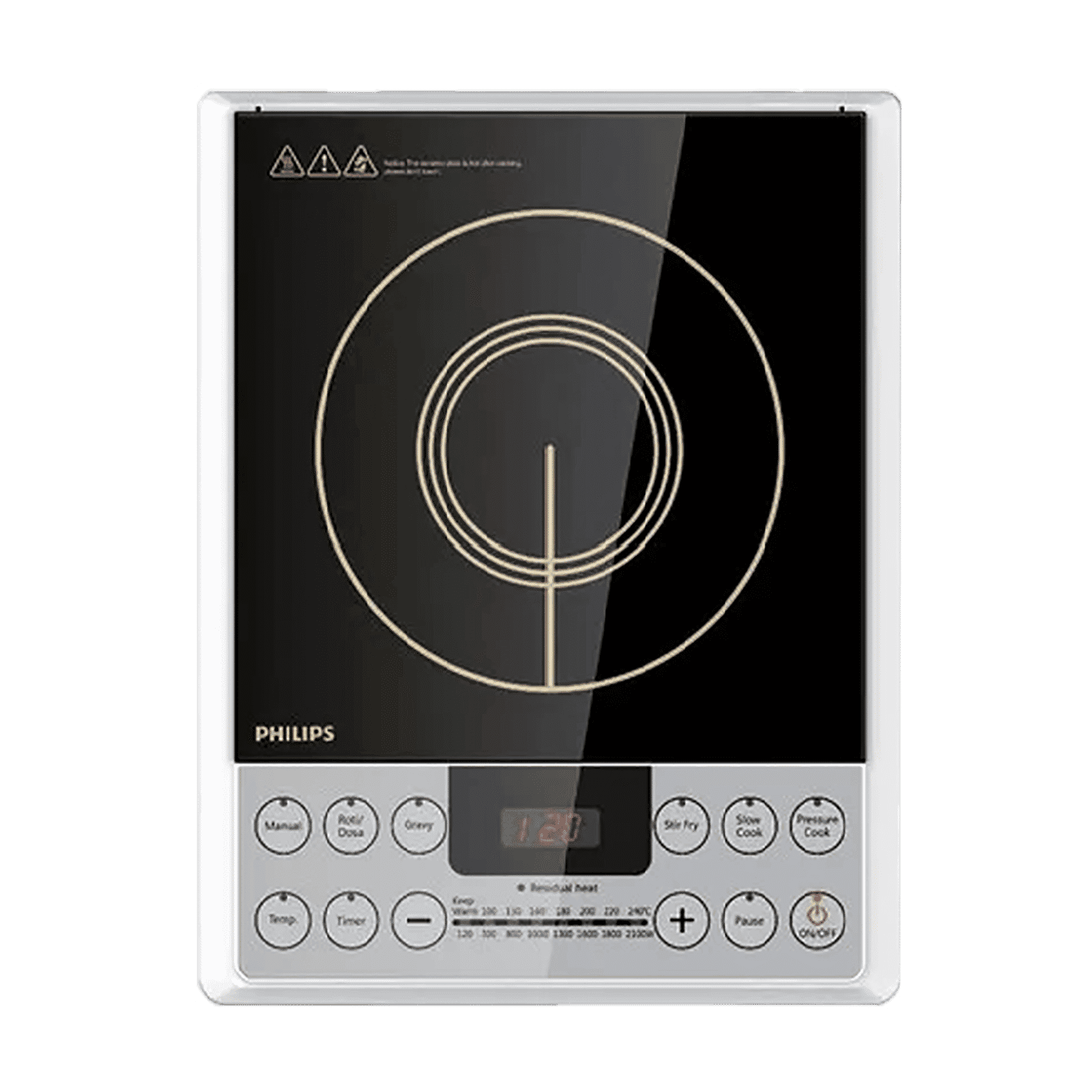
The control panel is usually found on the front edge or top surface of the cooktop. It is a flat area with touch-sensitive buttons or knobs. These controls adjust power levels, timers, and other settings.
Some induction cooktops have a digital display on the control panel. This display shows temperature, timer, and power information. It helps you monitor your cooking process easily.
Identify The Location Of The Control Panel
Look along the front edge of the cooktop surface. Most models place the control panel here for easy reach. It may also be centered or to one side.
Recognize The Control Panel Design
The panel often has icons or labels for each button. These can include power, plus and minus signs, or cooking zones. The surface might feel smooth and flat.
Check For Touch Or Button Controls
Touch controls respond to finger taps or slides. Buttons may be physical or soft-touch. Both types allow you to select and adjust settings.
Look For A Display Screen
A small screen on the panel shows current settings. It can be a digital or LED display. This screen updates as you change the cooktop’s functions.
Power On The Cooktop
Powering on an induction cooktop is simple and quick. Before you start cooking, the cooktop needs to be turned on correctly. This step ensures the cooktop is ready to heat your pans safely and efficiently.
Most induction cooktops have a touch control panel or a power button. The controls are easy to find and use. Understanding how to power on the cooktop helps prevent confusion and speeds up meal preparation.
Locate The Power Button
The power button usually has a circle with a line in the middle. It is often on the front or side of the cooktop surface. Look for a button that stands out from other controls.
Press And Hold The Power Button
Press the power button gently. Hold it for about 1 to 3 seconds until the display lights up or you hear a beep. This action turns the cooktop on.
Check The Display Panel
The display panel shows numbers or symbols once the cooktop powers on. This confirms the cooktop is ready. If the display stays dark, try pressing the power button again.
Ensure Proper Electrical Connection
- Check that the cooktop is plugged into a working outlet.
- Verify the circuit breaker is on.
- Do not use extension cords for safety reasons.
Select Cooking Zone
Selecting the right cooking zone on your induction cooktop is a crucial step to ensure efficient heating and perfect cooking results. Each zone corresponds to a specific area where your cookware needs to be placed for the cooktop to detect it and start heating. Understanding how to pick and activate the correct zone saves energy and helps avoid frustration.
Select The Zone Based On Cookware Size
Induction cooktops usually have multiple cooking zones of different sizes. Choose the zone that best matches the size of your pan or pot. Using a zone too large or too small can lead to uneven heating or wasted energy.
For instance, if you have a small saucepan, select a smaller cooking zone. Larger pots require bigger zones to heat efficiently. This simple step helps your cooktop work smarter, not harder.
Identify The Zone Using Control Panel Icons
Your induction cooktop’s control panel shows symbols or numbers representing each cooking zone. Look for circles or squares that align with the physical spots on the glass surface. This visual cue makes it easy to know which zone you’re activating.
Try touching the icon that matches where your pan sits. If you’re unsure, place your cookware first, then tap the zone icon nearest to it. The cooktop will only heat if the pan is compatible and correctly positioned.
Use Touch Controls To Activate The Zone
Once you select the correct zone, activate it using the touch controls. These controls are sensitive and respond quickly to your finger taps. Simply tap or press the zone icon until it lights up or shows a number.
After activation, adjust the heat level to your desired setting. This method lets you control each zone independently, perfect for cooking multiple dishes at once. Have you noticed how precise the temperature control can be compared to traditional stoves?
Adjust Heat Settings
Adjusting heat settings on an induction cooktop gives you precise control over your cooking. Unlike traditional stoves, induction cooktops react instantly to changes, which means you can fine-tune the temperature with ease. This control helps you cook dishes perfectly without worrying about overheating or undercooking.
Understanding The Heat Levels
Induction cooktops usually have a range of heat levels, often numbered from low to high. Each level corresponds to a specific temperature range, allowing you to simmer, boil, or fry with confidence. Have you ever struggled with a sauce that either burned or stayed cold? Adjusting the heat setting correctly can save your dish.
Using The Touch Controls
Most induction cooktops feature a sleek touch control panel. You simply tap or slide your finger across the controls to increase or decrease the heat. This design makes it easy to make quick changes, even while multitasking in the kitchen.
Tips For Effective Heat Adjustment
- Start low:Begin cooking at a lower setting and increase heat gradually to avoid burning food.
- Use residual heat:Turn down the heat a few minutes before finishing to use leftover warmth for gentle cooking.
- Match cookware size:Make sure your pot or pan fits the cooktop’s cooking zone to ensure even heating.
Why Precise Heat Control Matters
Precise heat adjustment helps you save energy and improve cooking results. It prevents wasted electricity by not overheating when you don’t need to. Plus, it keeps your food’s texture and flavor just right.
Start Cooking
Start cooking on an induction cooktop is quick and simple. The cooktop heats up fast, giving you more control over your food. Follow these steps to begin your cooking journey with ease and confidence.
Place Compatible Cookware On The Cooktop
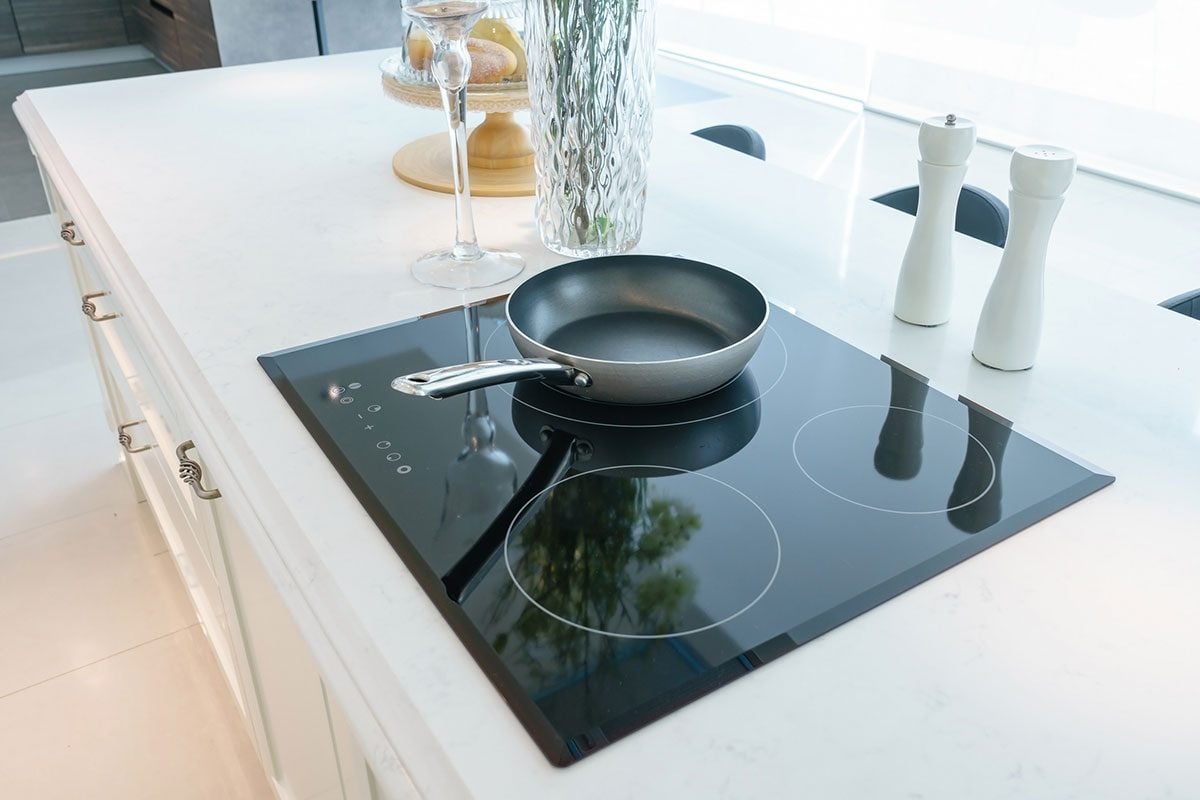
Use cookware with a flat bottom made of magnetic materials like cast iron or stainless steel. The induction cooktop senses the pot or pan and will not work without it. Make sure the cookware size matches the cooking zone for best results.
Power On The Induction Cooktop
Locate the power button on the control panel. Press it to turn on the cooktop. Some models may have a touch sensor or a physical button. The display will light up, showing the cooktop is ready for use.
Select The Cooking Zone
Choose the cooking zone where your cookware is placed. Most induction cooktops have multiple zones. Tap or press the zone button to activate the right area. This step ensures heat goes to the correct place.
Set The Heat Level
Adjust the power level to start heating. Use the plus or minus buttons or a slider control. Start with a low setting and increase heat as needed. This helps avoid burning food and saves energy.
Begin Cooking
Wait a few seconds for the cookware to heat. Stir or add ingredients as your recipe requires. The cooktop will maintain a consistent temperature. This makes cooking faster and easier than traditional stoves.
Credit: www.familyhandyman.com
Safety Tips While Using
Using an induction cooktop offers precision and speed, but it also demands respect for safety. Understanding the right precautions can keep your kitchen accident-free and your cooking experience enjoyable.
Here are some important safety tips to keep in mind while using your induction cooktop.
Use Compatible Cookware Only
Induction cooktops work with cookware made of magnetic materials like cast iron or stainless steel. Using the wrong pots or pans can cause the cooktop to malfunction or not heat at all.
Check if your cookware sticks to a magnet before placing it on the cooktop. This simple test can save you from frustration and potential damage.
Avoid Overheating And Spills
Induction cooktops heat quickly, so stay close to your cooking. Overheating can damage both your cookware and the cooktop surface.
Clean spills immediately to prevent stains and maintain the surface. Remember, even small drops of sugar or salt can cause permanent marks if left unattended.
Keep Flammable Items Away
Though induction cooktops stay cool around the cooking zone, the cookware itself gets hot. Keep paper towels, cloths, and plastic items away to avoid fire hazards.
Ask yourself: Are your kitchen tools and towels placed safely away from the heat source? This small habit can prevent serious accidents.
Use Child Safety Features
If you have children at home, activate the cooktop’s child lock feature. This prevents accidental switching on or changes in temperature settings.
Engage this safety feature every time you finish cooking. Protecting curious hands is just as important as monitoring the heat.
Unplug When Not In Use
Even though many induction cooktops have standby modes, unplugging after use adds an extra layer of safety. It eliminates any risk of accidental activation and conserves energy.
Make it a habit to unplug the cooktop, especially if you live in a busy household. It’s a simple step that safeguards your kitchen.
Credit: www.tataneu.com
Frequently Asked Questions
How Do You Power On An Induction Cooktop?
To power on an induction cooktop, press the main power button. Wait for the control panel to light up, indicating it’s ready for use. Ensure your cookware is induction-compatible to activate the heating element properly.
What Type Of Cookware Works With Induction Cooktops?
Induction cooktops require magnetic cookware like cast iron or stainless steel. Use pots and pans with a flat bottom to ensure proper contact and heating. Non-magnetic materials like aluminum or glass won’t work unless they have a magnetic base.
How Do You Adjust Heat Settings On An Induction Cooktop?
After turning on the cooktop, select the desired cooking zone. Use the plus (+) or minus (-) buttons or the slider to adjust the heat level. Induction cooktops provide precise temperature control for efficient cooking.
Why Won’t My Induction Cooktop Turn On?
If your cooktop won’t turn on, check if it’s plugged in and the power supply is active. Ensure you are using compatible cookware. Also, some models have safety locks that may need to be disabled before use.
Conclusion
Turning on an induction cooktop is simple and quick. Just press the power button, place your pan on the surface, and select the heat level. Always use cookware that works with induction for best results. Remember to keep the cooktop clean and dry for safety.
With these easy steps, cooking becomes safer and more efficient. Try it today and enjoy hassle-free meal preparation.