Feeling hot and ready to cool down? You might have an air conditioner nearby, but do you know exactly how to turn it on quickly and easily?
Whether it’s your first time using one or you just want to avoid fumbling with confusing buttons, this guide will walk you through the simple steps to get your AC running in no time. Keep reading, and you’ll be enjoying that refreshing cool breeze before you know it!

Credit: www.youtube.com
Locate The Air Conditioner Controls
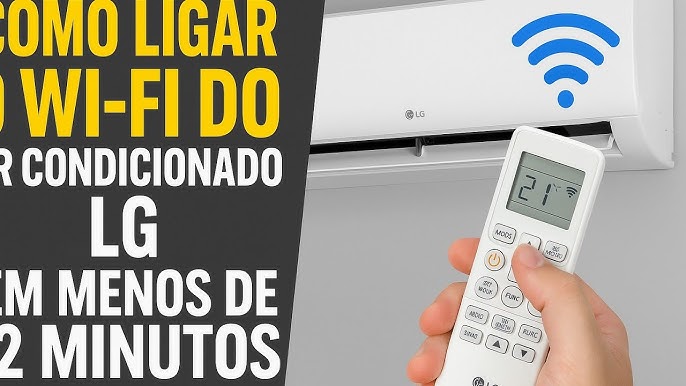
The air conditioner controlsare usually found on a wall panel or the unit itself. Most models have a digital displayshowing current settings. Some air conditioners come with a remote controlfor easy access.
Look for buttons labeled “Power,” “Mode,” “Temperature,”and “Fan Speed.”The Power buttonturns the unit on or off. The Mode buttonswitches between cooling, heating, or fan-only modes.
- The Temperature buttonslet you set how cool you want the room.
- Fan Speedcontrols how strong the airflow is.
- Some units have a Timerto set automatic on/off times.
Controls may vary by brand, but these are the common features. The location is easy to spot near the unit or on the wall.
Powering On The Unit
Locate the power buttonon the air conditioner or its remote control. Press it once to turn the unit on. The display or indicator light will show that the unit is active.
Set the desired temperatureusing the temperature buttons on the remote or control panel. Choose a comfortable setting to cool the room effectively.
Adjust the fan speedif your unit has this option. This controls how fast the air moves in the room.
- Ensure the unit is plugged into a power source.
- Check if the remote has working batteries.
- Make sure the air filter is clean for better cooling.
Setting The Temperature
Set the air conditioner temperature to a comfortable level. Most people choose between 72°F and 78°F. This range saves energy and keeps you cool. Avoid setting it too low. It can waste power and strain the unit.
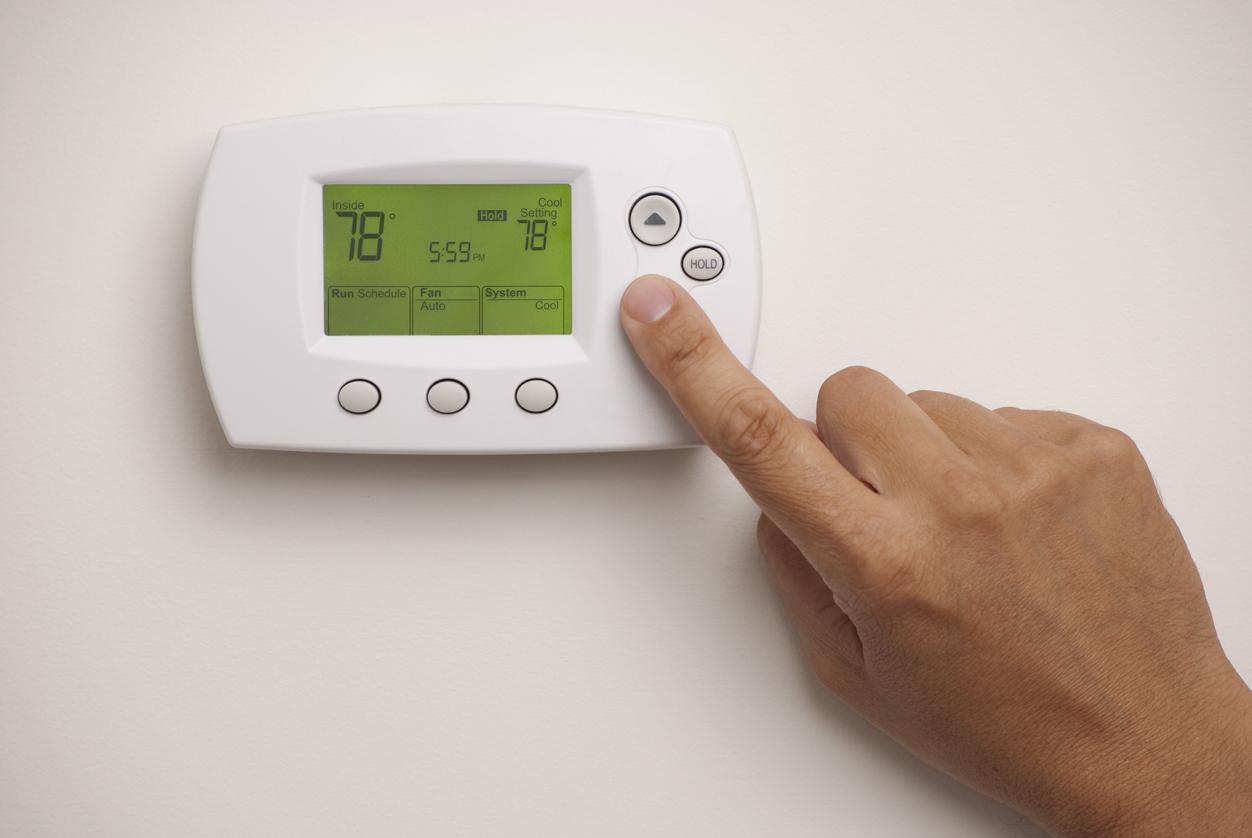
Use the remote control or the unit’s control panel. Press the temperature buttons to raise or lower the setting. Wait a few minutes for the temperature to adjust. The room will start to feel cooler.
- Ideal temperature:75°F for comfort and energy saving
- Avoid extremes:Not too cold or too hot
- Adjust slowly:Change temperature by 1-2 degrees at a time
Credit: northnjhvac.com
Choosing The Cooling Mode
Cool Modelowers the room temperature by blowing cold air. It works best on hot days. The air conditioner runs the compressor to cool the air. Adjust the temperature to your comfort level. This mode also helps reduce humidity.
Fan Modecirculates air without cooling. It uses less energy because the compressor is off. This mode is good for mild weather or just air movement. You can adjust fan speed to low, medium, or high.
Auto Modelets the air conditioner choose the best setting. It switches between cooling and fan modes automatically. The unit keeps the room comfortable without you changing settings. Perfect for changing weather conditions.
Adjusting Fan Speed
The fan speedcontrols how fast the air blows from the air conditioner. Different speeds can make the room feel cooler or warmer. Usually, there are three common settings:
- Low:Quiet air flow for gentle cooling.
- Medium:Balanced speed for normal cooling.
- High:Strong air flow for quick cooling.
Changing the fan speed helps save energyand improve comfort. Use low speed for mild days and high speed when very hot. Some models have an autofan speed option that adjusts automatically based on the room temperature.
Using The Remote Control
The remote control is the easiest way to turn on the air conditioner. Press the power buttonto start the unit. Use the mode buttonto select cooling, fan, or auto mode. Adjust the temperaturewith the up and down arrows. The fan speedbutton controls airflow strength. The display shows current settings clearly.
Advanced features can include a timerto turn off or on later. Some remotes have a swing buttonto move air direction. Energy-saving modes help reduce power use. Check the remote’s instructions to use these functions.
Troubleshooting Common Issues
Unit Not Turning On:Check if the air conditioner is plugged in properly. Make sure the power switch is on. Look at the circuit breaker to see if it has tripped. Sometimes the remote control batteries may be dead. Try pressing the reset button if available.
No Cooling:Clean or replace the air filters. Dirty filters block airflow and reduce cooling. Verify the thermostat is set to a temperature lower than the room. Inspect the outdoor unit for dirt or debris. Ensure the vents inside the room are open and not blocked.
Unusual Noises:Listen for rattling, buzzing, or clicking sounds. Loose parts or debris can cause noise. Tighten any screws or panels gently. Check the fan blades for damage or dirt. If noises persist, it may need professional service.
Maintaining Your Air Conditioner
Cleaning filterskeeps your air conditioner running well. Dirty filters block air flow. This makes the AC work harder and use more energy. Remove filters carefully. Wash them with water and mild soap. Let them dry completely before putting back. Clean filters every one to two months for best results.
Regular servicinghelps spot problems early. A technician checks parts like coils and fans. They clean inside the unit and refill coolant if needed. Servicing once a year keeps the AC efficient and lasts longer. It also prevents costly repairs later.
Credit: www.callroth.com
Frequently Asked Questions
How Do I Turn On My Air Conditioner?
To turn on your air conditioner, locate the remote or thermostat. Press the power button. Set your desired temperature using the up or down arrows. Select the appropriate mode (cool, fan, or auto) for your needs. Ensure all windows and doors are closed for efficient cooling.
Why Won’t My Air Conditioner Start?
If your air conditioner won’t start, check the power supply and ensure it’s plugged in. Verify that the circuit breaker hasn’t tripped. Examine the thermostat settings and replace batteries if necessary. Clean or replace the air filter. If problems persist, consult a professional technician for further diagnosis.
Can I Use My Air Conditioner Without A Remote?
Yes, most air conditioners have manual controls. Locate the control panel on the unit itself. Use the power button to turn it on. Adjust the temperature and mode using the available buttons. Refer to your air conditioner’s manual for specific instructions related to manual operation.
How Do I Set The Air Conditioner Temperature?
Use the remote or control panel to set the temperature. Select your desired temperature using the up or down buttons. The thermostat will regulate the room to your chosen setting. For optimal efficiency, set the temperature to around 24°C (75°F) during summer months.
Conclusion
Turning on an air conditioner is quick and simple. Just follow the steps carefully. Use the remote or control panel to power it on. Set the temperature to your comfort level. Adjust fan speed if needed. Remember to keep doors and windows closed.
This helps the room cool faster. Regular cleaning of filters improves performance too. Enjoy a cool and comfortable space anytime. Stay cool without stress or confusion.