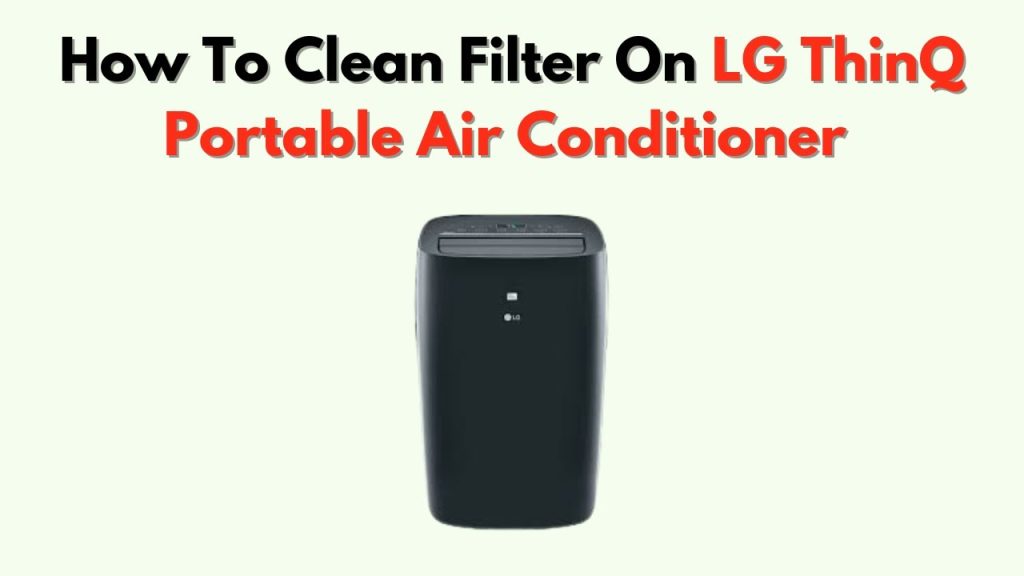
Is your LG ThinQ air conditioner not cooling as well as it used to? The secret to keeping it running smoothly might be simpler than you think.
Cleaning the filter regularly can improve air flow, boost efficiency, and even save you money on energy bills. If you’re not sure how to do it, don’t worry—you’re in the right place. In this guide, you’ll discover easy steps to clean your LG ThinQ air conditioner filter quickly and safely.
Keep reading, and take the first step toward fresher air and a cooler home.
Identifying The Filter Location
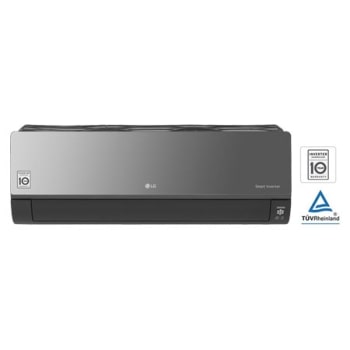
The filteris usually behind the front panel of the LG ThinQ air conditioner. This panel can be opened by gently pulling it from the top. Once open, the filter is visible and easy to remove. It is important to be gentle to avoid breaking the panel.
The air conditioner has different types of filters. Each filter helps clean the air in different ways.
| Filter Type | Purpose | Cleaning Frequency |
|---|---|---|
| Basic Dust Filter | Removes large dust particles | Every 2 weeks |
| Allergy Filter | Traps pollen and allergens | Every month |
| Deodorizing Filter | Eliminates bad smells | Every 2 months |
| Plasma Filter | Kills bacteria and viruses | Every 3 months |
Credit: www.lg.com
Tools Needed For Cleaning
Basic cleaning supplies include soft cloths, mild detergent, and water. A vacuum cleanerwith a brush attachment helps remove dust quickly. Use a soft brushto clean hard-to-reach spots gently. Avoid harsh chemicals that can damage the filter.
Optional equipment for deep cleaning includes a spray bottlefor water or cleaning solution and compressed airto blow out debris. A small buckethelps soak filters if needed. Gloves protect your hands during cleaning.
Removing The Filter
Turn offthe air conditioner and unplug it from the power source. This prevents any risk of electric shock. Avoid touching any sharp or moving parts inside the unit. Make sure your hands are dry before handling the filter. Keep children and pets away during the cleaning process.
Open the front panel carefully by pulling it towards you. Locate the filter inside the unit. Gently slide the filter out without forcing it. Handle the filter by its edges to avoid damage.

Credit: www.reddit.com
Cleaning The Filter
Remove the filter gently from the LG ThinQ air conditioner. Use a soft brush or vacuum cleaner to clear dust and debris. Be sure to clean both sides carefully to keep airflow strong.
Wash the filter using warm waterand mild soap. Avoid harsh chemicals as they may damage the filter. Rinse thoroughly to remove soap residue.
Let the filter dry completelybefore putting it back. Place it in a shaded area to air dry. Avoid direct sunlight to prevent warping or damage.
Reinstalling The Filter
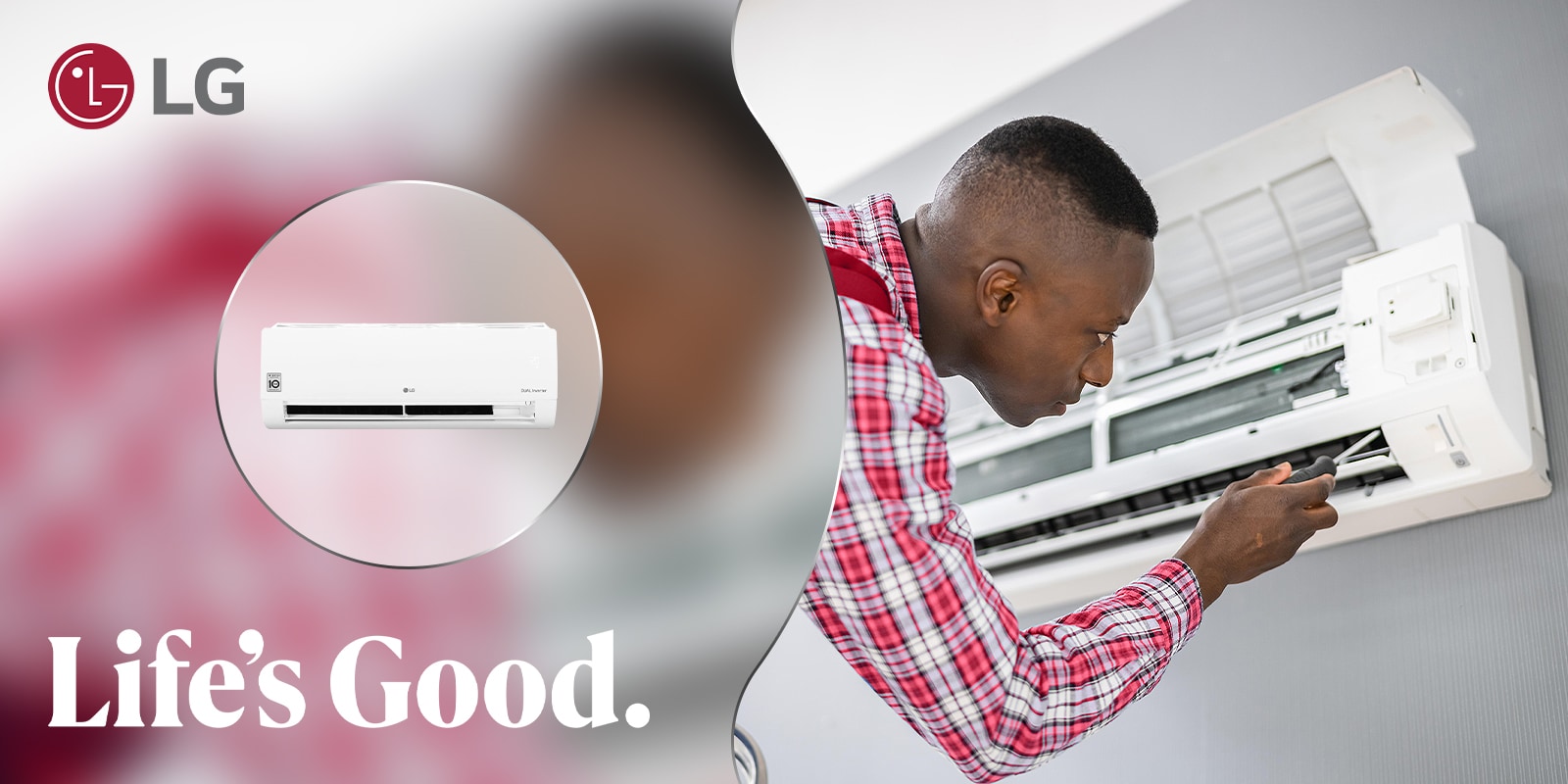
Place the filter gently back into its slot. Make sure it fits snuglywithout forcing it. Align the edges with the frame for a proper placement. The filter should sit flat and not stick out.
Check that the filter is securely fixed. A loose filter can let dust enter the air conditioner. This can reduce efficiencyand cause damage. Press gently on all corners to ensure a tight fit.
- Hold the filter by the edges to avoid damage.
- Slide the filter straight into the frame.
- Confirm that the filter lock or clips click into place.
- Do not use excessive force; it should slide in smoothly.
Credit: www.lg.com
Maintaining Filter Performance
Cleaning the filter regularly keeps the LG ThinQ air conditionerworking well. Dust and dirt block airflow and lower cooling power. Clean the filter at least once every two weeksduring heavy use. In less dusty areas, monthly cleaning might be enough. Always follow the user manualfor the best advice.
- Check the filter if cooling feels weak.
- Look for visible dirt or dust buildup.
- If the filter looks damaged, replace it.
- A strong smell or noise can mean a dirty filter.
- Replacement filters keep the AC running smooth.
Troubleshooting Common Issues
Filter not fitting properlycan block airflow and reduce cooling. Check if the filter is placed in the right slot. Clean any dirt or dust from the filter frame. Make sure the filter edges align with the air conditioner’s slots. Sometimes, the filter might be damaged or bent. Replace it if needed. A loose filter can cause noise and poor performance.
Poor airflow after cleaningusually means the filter is still dirty or clogged. Wash the filter gently with water and let it dry completely before reinstalling. Avoid using strong detergents that can harm the filter. Check for any blockages in the air vents or indoor unit. Clean the air conditioner’s outer vents and blades to help air move freely. If the problem stays, the fan or motor may need service.
Frequently Asked Questions
How Often Should I Clean The Lg Thinq Filter?
Cleaning the LG Thinq air conditioner filter every two weeks is recommended. Regular maintenance ensures optimal performance and efficiency. Clean filters help improve air quality and reduce energy consumption. However, check the user manual for specific guidelines based on your model.
What Tools Do I Need To Clean The Filter?
To clean the LG Thinq air conditioner filter, you’ll need a soft brush or vacuum cleaner. These tools help remove dust and debris effectively. Additionally, a mild detergent and water can be used for a deeper clean. Always ensure the filter is completely dry before reinstalling.
Can I Wash The Filter With Water?
Yes, you can wash the LG Thinq air conditioner filter with water. Use lukewarm water and mild detergent for effective cleaning. Gently scrub to remove dirt and dust. Ensure the filter is thoroughly dry before placing it back in the unit to prevent mold growth.
Why Is My Lg Thinq Filter Light On?
The LG Thinq filter light indicates it’s time to clean the filter. This feature helps maintain optimal performance. Cleaning the filter regularly ensures efficient cooling and energy savings. After cleaning, reset the filter light according to the instructions in your user manual.
Conclusion
Cleaning the filter on your LG ThinQ air conditioner keeps it working well. It helps air flow better and cools your room faster. Regular cleaning stops dust and dirt from building up inside. You can do this easily with a soft brush or water.
Remember to dry the filter fully before putting it back. This simple step saves energy and makes your air conditioner last longer. Keep your home fresh and comfortable by cleaning the filter often. A little care goes a long way.