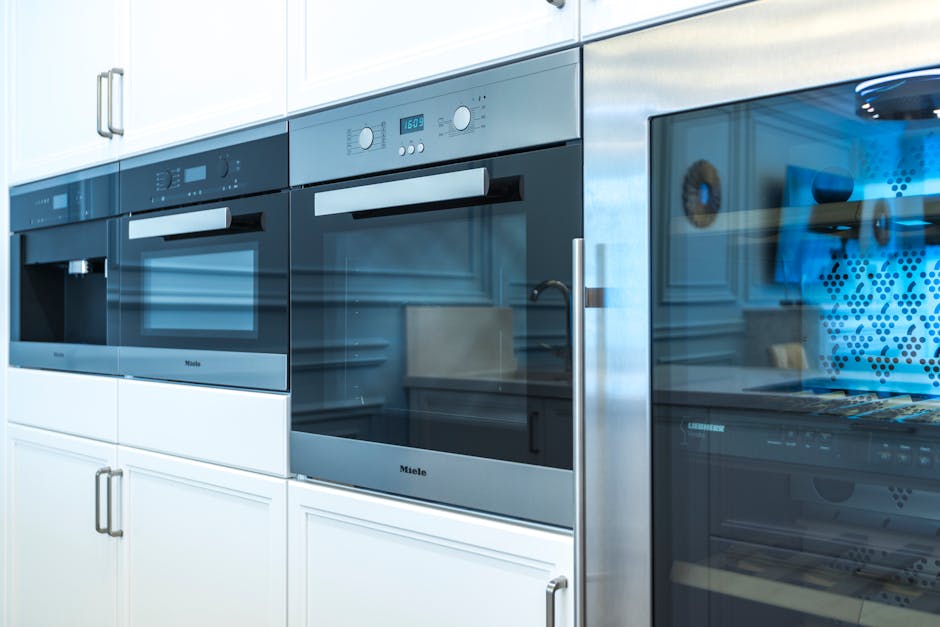
Are you looking to upgrade your kitchen with a sleek and efficient LG over-the-range microwave oven? Installing one might seem daunting, but with the right guidance, you can do it yourself and save money on professional installation fees.
Imagine the convenience of cooking and reheating your meals with ease, all while freeing up valuable counter space. In this guide, you’ll discover simple, step-by-step instructions that will help you seamlessly integrate your new appliance into your kitchen. By the end, you’ll not only have a functional microwave but also the satisfaction of knowing you accomplished it yourself.
Curious to see how straightforward the process can be? Let’s get started!
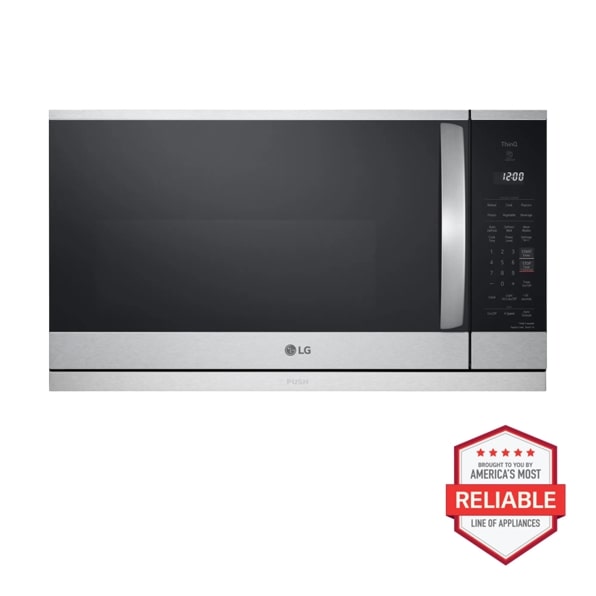
Credit: www.lg.com
Preparation Before Installation
Before you start installing your LG over the range microwave oven, preparing properly can save you from common headaches. Taking time to organize tools, verify measurements, and ensure safety can make the whole process smoother and faster. Let’s break down what you need to do before lifting that microwave into place.
Gathering Necessary Tools
Having the right tools ready is crucial. You’ll typically need a drill, screwdriver, measuring tape, level, and possibly a stud finder. Missing even one tool can slow you down or force a frustrating pause.
Think about your last home project—did you spend more time hunting for tools than actually working? Avoid that by checking your toolkit now. Also, keep extra screws and anchors handy, just in case.
Checking Microwave And Space Dimensions
Measure the microwave and the space above your stove carefully. LG models often have specific size requirements, so don’t assume the new microwave will fit the old spot perfectly. Check both width and depth, and remember to leave room for ventilation.
Have you ever bought something that looked right online but didn’t fit when it arrived? Double-checking dimensions helps you avoid that disappointment. Use a tape measure to record the exact height, width, and depth of the cabinet space and compare it with the microwave specs.
Turning Off Power Supply
Safety comes first. Before you touch any wiring or start the installation, turn off the power supply to the microwave’s location. This usually means switching off the circuit breaker connected to your kitchen outlet or range hood.
Have you ever forgotten to cut power and ended up with a nasty shock? Avoid that risk by using a voltage tester to confirm no electricity flows to the area. Taking this extra step protects you and your home from accidents.
Removing The Old Microwave
Removing the old microwave is an important first step before installing your new LG over the range microwave oven. This process ensures safety and prepares the space for the new unit. Careful removal avoids damage to your kitchen walls and cabinets.
Start by disconnecting power and venting systems. This cuts off electricity and prevents any air or smoke damage. Next, unscrew the mounting hardware and carefully take the microwave down. Having a helper can make this easier and safer.
Disconnecting Power And Venting
Turn off the microwave power at the circuit breaker. Do not rely on just unplugging it. This prevents any electric shock during removal.
Locate the vent duct connected to the microwave. Detach the duct from the back or top of the unit. Use a screwdriver if screws hold it in place.
Check if the vent is sealed with tape or clips. Remove any fasteners gently to avoid damage.
Unscrewing And Removing The Unit
Find the mounting screws under the microwave. These screws hold the microwave to the cabinet above.
Use a drill or screwdriver to remove all screws. Keep the screws safe if you need them for the new microwave.
Ask someone to support the microwave while unscrewing. The unit can be heavy and awkward to handle alone.
Slowly lower the microwave away from the wall. Check for any remaining attachments before fully removing it.
Mounting Bracket Installation
Installing the mounting bracket is a crucial step for securing your LG over the range microwave. This bracket holds the microwave firmly in place above your stove. Proper installation ensures safety and prevents the microwave from falling. Follow the instructions carefully to achieve a strong and stable setup.
Locating Wall Studs
Start by finding the wall studs behind the mounting area. Use a stud finder for accurate results. Wall studs provide the necessary support for the microwave’s weight. Mark the stud locations with a pencil. Avoid drilling into drywall alone, as it cannot hold the microwave securely.
Securing The Bracket
Align the mounting bracket with the marked stud positions. Use a level to keep the bracket straight. Drill pilot holes into the studs to prevent wood splitting. Attach the bracket using heavy-duty screws included in the package. Tighten screws firmly but avoid over-tightening, which can damage the bracket or wall.
Positioning The Microwave
Positioning the LG over-the-range microwave is key for safe use and perfect fit. The microwave must sit securely and align with your kitchen setup. This step requires care and attention to ensure stability and function. Follow these tips to place your microwave correctly.
Lifting The Unit Safely
Lift the microwave with two or more people to avoid injury. Hold the microwave firmly on both sides. Keep your back straight and bend your knees while lifting. Avoid twisting your body during the lift. Use a sturdy step stool if needed for better reach.
Clear the space below the mounting bracket. Remove any obstacles from the counter or stove area. This space lets you position the microwave without damage. Keep your hands dry to prevent slipping.
Aligning With The Mounting Bracket
Check the mounting bracket is secure and level before positioning the microwave. Hold the microwave close to the bracket. Align the keyhole slots on the microwave with the mounting bracket screws.
Lift the microwave slightly to hook it onto the bracket. Ensure it slides down to lock firmly in place. Use a level tool to check the microwave is straight. Adjust if necessary to avoid tilting or gaps.
Once aligned, tighten any screws to secure the microwave. Double-check the microwave feels stable and does not move. Proper alignment keeps the unit safe and fully functional.
Securing The Microwave In Place
Securing your LG over the range microwave oven correctly is key to safe and efficient operation. This step ensures the microwave stays firmly attached to your cabinet and wall, preventing any accidents or damage. Let’s look at how to fasten the screws under the cabinet and check stability afterward.
Fastening Screws Under The Cabinet
Locate the mounting bracket or screws under the cabinet where the microwave will hang. These screws hold the microwave’s weight, so use the ones provided by LG or appropriate heavy-duty screws.
Use a power drill or screwdriver to drive the screws tightly into the cabinet, but be careful not to overtighten and strip the wood. If your cabinet material is soft, consider using anchors for extra support.
Make sure the microwave’s mounting plate aligns perfectly with the screws. If it feels loose, double-check the screw placement or add washers to fill any gaps.
Checking Stability
Once the screws are fastened, give the microwave a gentle shake to test its stability. Does it feel solid without any movement? If it wiggles, you may need to tighten the screws further or add additional support brackets.
Check the microwave’s front and sides too. Is it flush against the wall and cabinet? Uneven gaps can indicate improper installation, which could cause the microwave to fall or vibrate excessively during use.
Ask yourself: would you feel safe using this microwave every day? If the answer is no, it’s worth investing a bit more time to secure it properly now rather than risk injury later.
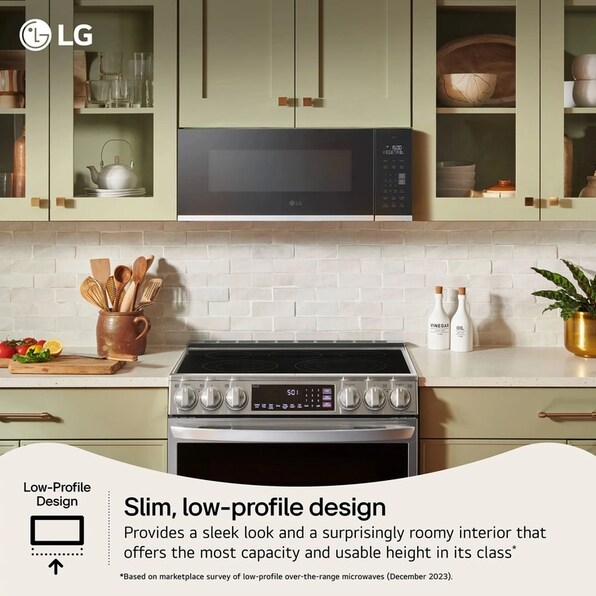
Credit: www.lg.com
Connecting The Vent And Power
Connecting the vent and power is a key part of installing an LG over the range microwave oven. Proper connection ensures safe operation and efficient venting of smoke and odors. This step requires attention to detail and following safety guidelines. Let’s explore how to attach the ventilation duct and plug in the power outlet.
Attaching Ventilation Duct
Start by locating the microwave’s vent outlet on the back or top. Use a metal duct that fits the outlet size. Secure the duct with screws or metal tape to prevent air leaks. Make sure the duct leads to an outside vent or recirculates properly with a charcoal filter. Avoid sharp bends in the duct to maintain good airflow. Check that the duct is firmly connected and stable before proceeding.
Plugging Into Power Outlet
Locate a nearby grounded power outlet. The microwave should have a three-prong plug for safety. Plug the microwave directly into the outlet without using extension cords. Ensure the outlet voltage matches the microwave’s requirements, usually 120 volts. Keep the power cord away from heat sources or sharp edges. Double-check the connection is secure before turning on the microwave.
Final Checks And Testing
After installing your LG over-the-range microwave oven, it’s crucial to perform final checks and testing to ensure everything functions correctly. This phase helps you catch any issues before you start using the microwave regularly. Taking the time to verify door operation and run a test cook cycle can save you from future hassle and possible safety concerns.
Verifying Door Operation
Check the door carefully to make sure it opens and closes smoothly. The latch should engage firmly without requiring excessive force. If the door doesn’t seal properly, the microwave won’t work or could leak radiation.
Try opening and closing the door several times. Listen for any unusual sounds like grinding or clicking, which might indicate misalignment. Also, inspect the door’s gasket for any damage or gaps that could affect the seal.
Running A Test Cook Cycle
Once the door operation is confirmed, it’s time to run a test cook cycle. Place a microwave-safe cup of water inside and set the microwave for 1-2 minutes. This simple test checks if the microwave heats efficiently and if the fan and light work properly.
Observe the microwave during the cycle. Does the turntable rotate smoothly? Is there any unusual noise or smell? If something seems off, it’s better to address it now rather than later.
Have you noticed how a quick test can reveal hidden problems? It’s a small step that makes a big difference in your microwave’s performance and safety.
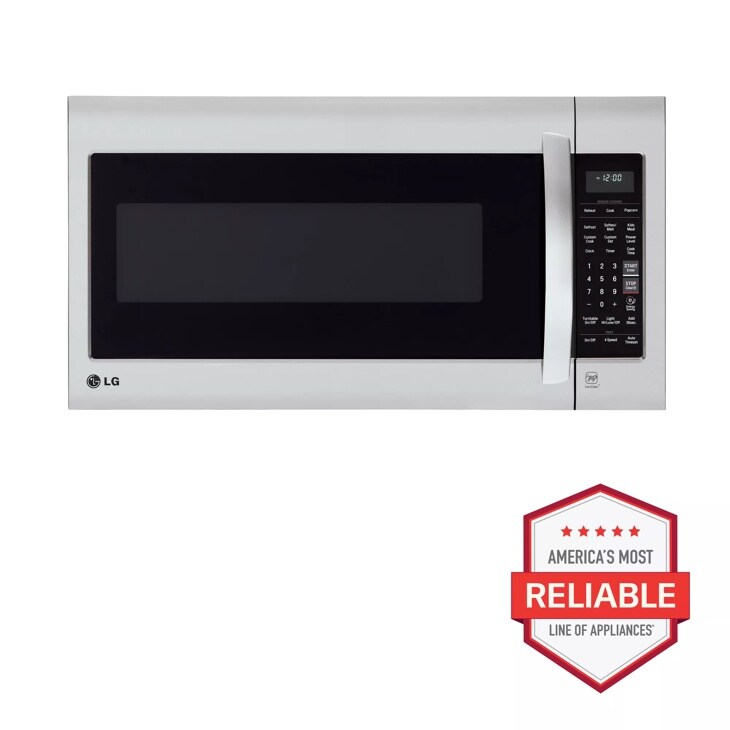
Credit: www.lg.com
Troubleshooting Common Issues
Installing your LG over the range microwave oven can be straightforward, but sometimes issues pop up that slow you down. Knowing how to troubleshoot common problems will save time and frustration. Let’s look at some typical challenges and how to fix them quickly.
Microwave Not Starting
If your microwave doesn’t start, the first thing to check is the power source. Make sure the microwave is plugged in securely and the outlet is working. You can test the outlet by plugging in another device.
Sometimes the door latch sensor might be the culprit. If the microwave thinks the door is open, it won’t start. Double-check that the door closes fully and the latch clicks into place.
Have you ever noticed a blinking display or error code? These often point to an internal fault or a control board issue. Try resetting the microwave by unplugging it for a few minutes and then plugging it back in. If the problem persists, it might require professional repair.
Ventilation Problems
Proper ventilation is crucial for your over the range microwave to work safely and efficiently. If you notice excessive steam, smoke, or unusual odors, the ventilation might be blocked or improperly installed.
Check the vent filter first. Grease and debris can clog it, reducing airflow. Cleaning or replacing the filter regularly prevents this issue.
Another common problem is incorrect vent duct installation. If the duct is bent or too long, air can’t flow freely. Inspect the ductwork to ensure it’s straight and the right size for your microwave model.
Ask yourself: Is the vent fan running when you turn on the microwave? If not, the fan motor might need replacement. Ignoring ventilation problems can lead to overheating and damage to your microwave or cabinets.
Frequently Asked Questions
How Do I Safely Install An Lg Over The Range Microwave?
First, turn off the power at the circuit breaker. Use a sturdy mounting bracket and secure it to wall studs. Follow the LG manual for wiring and venting. Ensure the microwave is level and firmly attached to avoid accidents.
What Tools Are Needed To Install This Microwave?
You’ll need a drill, screwdriver, stud finder, tape measure, level, and a pencil. Also, have mounting hardware and electrical supplies ready. These tools help ensure a proper, safe installation process.
Can I Install An Lg Microwave Without Professional Help?
Yes, if you have basic DIY skills and follow the manual. Ensure you understand electrical wiring and mounting requirements. If unsure, hiring a professional is safer and prevents damage or injury.
How Do I Connect The Microwave To An External Vent?
Attach the vent adapter to the microwave’s exhaust port. Connect it to your home’s ductwork using aluminum tape. Make sure the vent is clear and properly sealed for efficient airflow.
Conclusion
Installing an LG over the range microwave oven is simple with clear steps. Follow the instructions carefully to ensure safety and proper setup. Double-check all connections before turning the power on. The right installation saves time and avoids future problems.
Enjoy the convenience of your new microwave every day. Ready to cook, heat, and save space in your kitchen. Take your time, stay patient, and you will succeed.