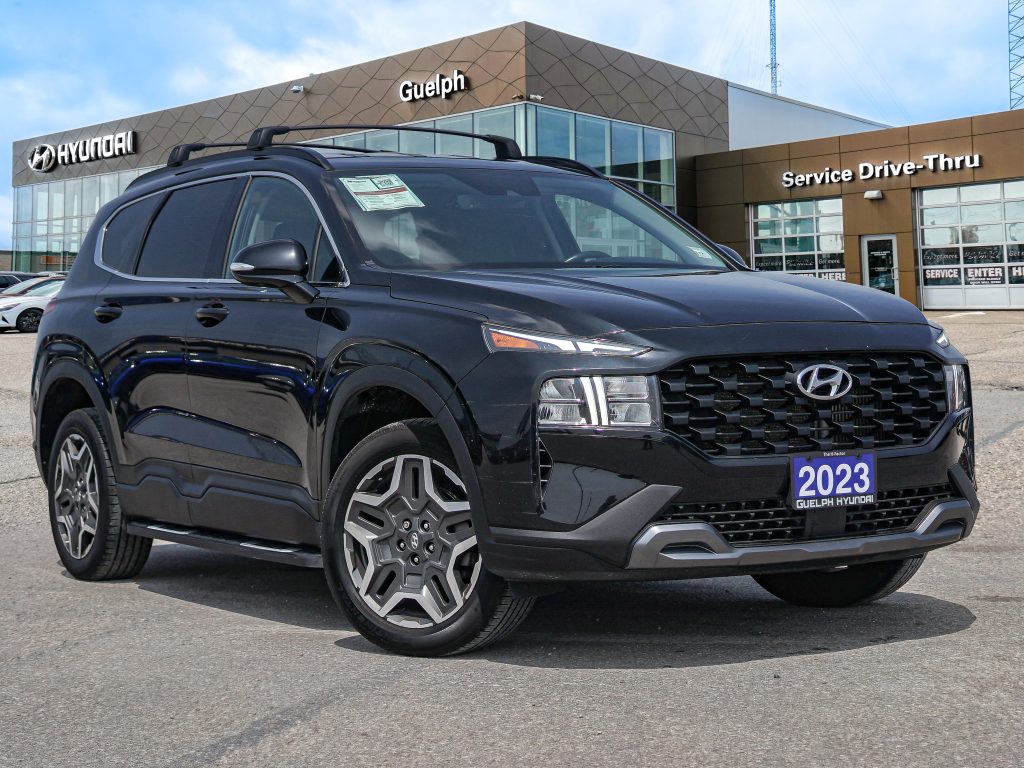
If you’ve just bought a 2023 Hyundai Santa Fe, getting your garage door opener programmed is one of the first things you’ll want to do. Imagine pulling into your driveway and your garage door opening automatically—no fumbling with keys or remotes.
It makes daily life smoother and saves you time. But if you’re unsure how to set it up, don’t worry. This guide will walk you through every step clearly and simply. By the end, you’ll have your garage door working seamlessly with your Santa Fe, so you can enjoy convenience every time you come home.
Keep reading to learn exactly how to program your garage door opener quickly and easily.

Credit: www.calgaryhyundai.com
Prepare Your Garage Door Opener
Preparing your garage door opener is the first key step before programming it with your Hyundai Santa Fe 2023. This process ensures the opener is ready to sync correctly with your vehicle’s system. A well-prepared opener helps avoid errors and speeds up the setup.
Start by focusing on your garage door opener unit itself. It must be in a state that allows new codes to be learned. This means you may need to clear old codes and find the right controls on the opener. These tasks make sure your new connection will work without interference.
Locate The Learn Button
The Learn button is crucial for programming your garage door opener. It usually sits on the back or side of the opener motor. Look for a small, colored button, often yellow, red, green, or purple. This button activates the unit’s programming mode.
Use a ladder if needed to reach the opener safely. Pressing this button starts the process for syncing your Hyundai’s system. Knowing exactly where it is saves time and frustration during programming.
Clear Previous Codes
Old codes stored in the garage door opener can cause conflicts. Clearing these codes prepares the opener to accept a new signal from your car. To clear codes, press and hold the Learn button for about 6 seconds. The indicator light will turn off, showing the codes are erased.
This step resets the opener, creating a clean slate for your Hyundai Santa Fe 2023’s remote programming. It avoids problems caused by leftover commands from other remotes or devices.

Credit: www.autocan.ca
Access The Hyundai Santa Fe’s Programming Mode
Accessing the programming mode on your Hyundai Santa Fe 2023 is the key to customizing your garage door opener. This mode lets you sync your vehicle’s built-in system with your garage door remote. Understanding how to enter this mode saves you time and avoids frustration during setup.
Turn On The Ignition
Start by putting your key in the ignition and turning it to the “On” position without starting the engine. This powers up the vehicle’s electrical systems, including the HomeLink system.
Keep the ignition on throughout the programming process. If the ignition turns off, the system won’t enter programming mode, and you’ll need to start over.
Use The Homelink System
Locate the HomeLink buttons on your Santa Fe’s overhead console or rearview mirror. Press and hold the two outer buttons simultaneously until the indicator light begins to flash rapidly—this signals that the system is in programming mode.
Once the light flashes quickly, release the buttons. Now, your vehicle is ready to receive the garage door remote’s signal. This step ensures your Santa Fe communicates correctly with your garage opener.
Program The Garage Door Opener
Programming the garage door opener in your Hyundai Santa Fe 2023 is a straightforward process that lets you control your garage door right from your vehicle. This feature adds convenience and security, eliminating the need for separate remote controls.
Getting your garage door opener synced properly ensures smooth operation every time you arrive home. Let’s walk through the key actions that make this possible.
Press And Hold The Desired Button
Start by choosing the button inside your Hyundai Santa Fe that you want to program. It could be one of the three buttons typically found on the rearview mirror or overhead console.
Press and hold this button firmly. Keep holding it until the indicator light starts flashing slowly. This signals that the vehicle is ready to sync with your garage door opener.
Have you noticed how some buttons respond differently when held too briefly? Holding the button long enough is crucial to initiate the programming mode.
Sync With The Garage Door Opener
Next, take your existing garage door remote and get it ready. Hold it close to the vehicle’s button you just activated.
Press and hold the remote’s button simultaneously with your chosen vehicle button. Watch for the indicator light on your car to flash rapidly or change color—this confirms a successful sync.
After syncing, test the button by pressing it once to see if the garage door responds. If it doesn’t, repeat the steps carefully and ensure your garage door remote has fresh batteries.
Test The Connection
Testing the connection between your Hyundai Santa Fe 2023 and your garage door opener is a crucial step. It confirms that the programming was successful and that your system is ready for daily use. Skipping this step could lead to frustration if the door doesn’t respond when you expect it to.
Verify Door Operation
Start by pressing the programmed button inside your vehicle. Watch carefully to see if the garage door moves smoothly up or down. If the door responds promptly, you’ve established a solid connection.
Try controlling the door from different distances within your car. This helps ensure the signal strength is consistent and reliable. Have you noticed any lag or delay in response during your test?
Also, check if the door fully opens and closes without stopping or reversing unexpectedly. This could indicate a misalignment or sensor issue rather than a programming error.
Troubleshoot Common Issues
If the garage door doesn’t respond, don’t panic. Start by confirming the battery in your car’s remote control is fresh and properly installed. A weak battery often causes connection problems.
Next, verify that your garage door opener is compatible with your Hyundai Santa Fe’s HomeLink system. Compatibility issues are a common roadblock.
Another tip is to reset the HomeLink system in your vehicle and reprogram the garage door opener. Sometimes starting fresh clears hidden glitches. Have you checked if your garage door’s safety sensors are clean and unobstructed? Dirty sensors can prevent door movement even if the connection is good.
Lastly, consult your vehicle’s owner manual or the garage door opener’s guide for specific troubleshooting steps tailored to your models. These resources often reveal small details that make a big difference.
Reprogram Or Add Additional Openers
Reprogramming or adding additional garage door openers to your Hyundai Santa Fe 2023 can make your daily routine smoother. Whether you want to replace an old remote or share access with family members, the process is straightforward. Understanding how to clear existing settings and repeat programming steps will save you time and frustration.
Clear Existing Settings
Before adding new openers, clearing old codes is essential to avoid conflicts. This step ensures your vehicle’s system is ready to accept fresh signals without interference.
- Start by turning your ignition on without starting the engine.
- Press and hold the two outer buttons on your Hyundai’s garage door opener system simultaneously.
- Hold them for about 20 seconds until the indicator light begins to flash rapidly.
- This flashing confirms that all previous codes have been erased.
Have you ever kept old codes and wondered why your remote stopped working? Clearing existing settings can prevent such frustrating moments.
Repeat Programming Steps
Once the system is cleared, you can program your new opener or add more remotes easily. Each button on your vehicle’s system can store a different opener, giving you flexibility.
- Hold the remote control close to the vehicle’s garage door opener buttons.
- Press and hold the remote button you want to program and the corresponding button on the Hyundai’s system simultaneously.
- Keep holding both buttons until the indicator light on your vehicle flashes rapidly, indicating successful programming.
- Test the new remote by pressing the programmed button to see if the garage door responds.
Repeat these steps for any additional remotes you want to add. This way, everyone in your household can have easy access without carrying multiple remotes.

Credit: www.driveclassic.com
Frequently Asked Questions
How Do I Program A Garage Door Opener In Hyundai Santa Fe 2023?
To program, turn the ignition on and hold the HomeLink button. Press the garage remote button until the indicator blinks. Release both buttons, then press the HomeLink button again to sync. Follow your garage door manual for final steps.
Can I Reset The Garage Door Opener In Hyundai Santa Fe?
Yes, to reset, hold the two outer HomeLink buttons for 10 seconds. The indicator light will flash rapidly. This clears all previous codes and allows fresh programming of new garage remotes.
What If My Hyundai Santa Fe Won’t Program The Opener?
Check the car battery and garage remote battery first. Ensure you are within range and follow programming steps exactly. Consult your owner’s manual if issues persist or visit a dealership for assistance.
How Many Garage Door Openers Can Hyundai Santa Fe 2023 Store?
The Hyundai Santa Fe 2023 can store up to three garage door opener codes. This allows control of multiple garage doors or gates from your vehicle conveniently.
Conclusion
Programming your Hyundai Santa Fe 2023 garage door opener is simple. Follow each step carefully to avoid mistakes. Take your time and double-check the process. This saves you from repeated attempts. A properly programmed opener brings convenience daily. Keep your manual nearby for quick help.
Stay patient if it doesn’t work at first. Practice makes perfect in these tasks. Enjoy the ease of remote garage access now.