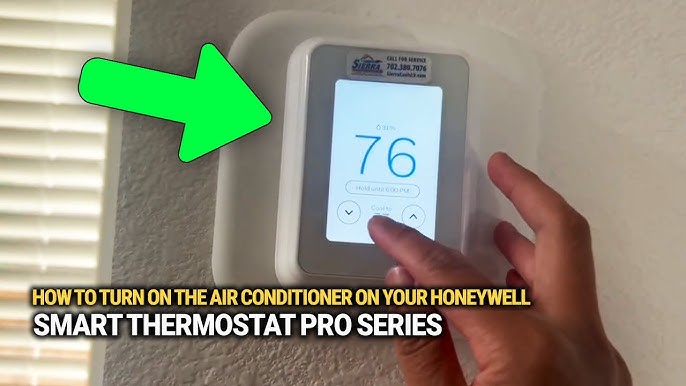
Feeling too hot and not sure how to turn your air conditioner on? You’re not alone.
Sometimes, even the simplest tasks can feel tricky when you’re uncomfortable and just want cool air fast. In this guide, you’ll learn exactly how to get your air conditioner running quickly and easily. Whether it’s your first time or you need a refresher, these clear steps will have you enjoying a cool, refreshing room in no time.
Keep reading—you deserve to feel comfortable right now.

Credit: www.youtube.com
Prepare Your Air Conditioner
Before turning on your air conditioner, you must get it ready. This helps it run well and last longer.
Two main things to check are the power supply and the filters. These ensure your AC works safely and cools properly.
Check Power Supply
Make sure your air conditioner is plugged in securely. Check the power outlet and the cord for any damage.
- Look at the plug and socket for cracks or burns
- Ensure the power switch is turned on
- Check your circuit breaker to see if it has tripped
- Do not use extension cords with your air conditioner
Clean Or Replace Filters
Clean filters help your air conditioner cool better and keep the air fresh. Replace filters if they are too dirty or old.
| Filter Type | Cleaning Frequency | Replacement Time |
|---|---|---|
| Reusable Mesh Filter | Every 2 weeks | Every 6 months |
| Disposable Paper Filter | Not cleanable | Every 3 months |
| HEPA Filter | Monthly with vacuum | Every 12 months |
Locate The Control Panel
To turn on your air conditioner, first find the control panel. This panel lets you operate the unit.
The control panel is usually on the front or side of the air conditioner. It has buttons and a display.
Identify The Power Button
The power button turns the air conditioner on and off. It is often the largest button on the panel.
Look for a button with a circle and a vertical line symbol. This symbol means power.
- Usually located at the top or center of the panel
- May have the word “Power” or a power icon
- Press it once to turn the unit on
Understand The Display
The display shows the current settings of the air conditioner. It helps you know if the unit is on.
Common display elements include temperature, mode, and fan speed. The screen lights up when the unit powers on.
- Temperature shows the set cooling level
- Mode indicates cooling, fan, or auto
- Fan speed shows how fast air moves
Set The Desired Mode
Turning on your air conditioner means setting it to the right mode. This helps cool your room quickly and keeps it comfortable.
Choosing the correct mode and fan speed can save energy and improve air flow. Let’s learn how to do this easily.
Choose Cooling Mode
Most air conditioners have several modes. Cooling mode lowers the room temperature using the AC’s compressor.
To select cooling mode, press the mode button until you see a snowflake or “Cool” on the display. This tells the AC to start cooling.
- Cooling mode reduces heat in the room
- It uses the compressor and refrigerant
- Look for a snowflake icon or “Cool” text
- Press the mode button to cycle through options
Adjust Fan Speed
Fan speed controls how fast air moves from the AC. Higher speeds cool the room faster but use more energy.
Press the fan button to change speeds. You can usually pick low, medium, or high settings based on your comfort.
- Low speed saves energy and is quiet
- Medium speed balances cooling and noise
- High speed cools faster but is louder
- Choose a speed that fits your needs

Credit: www.youtube.com
Adjust Temperature Settings
Turning on your air conditioner is easy. Adjusting the temperature helps you stay comfortable.
Use the temperature controls to set the right coolness for your room. This saves energy and keeps you happy.
Use Temperature Controls
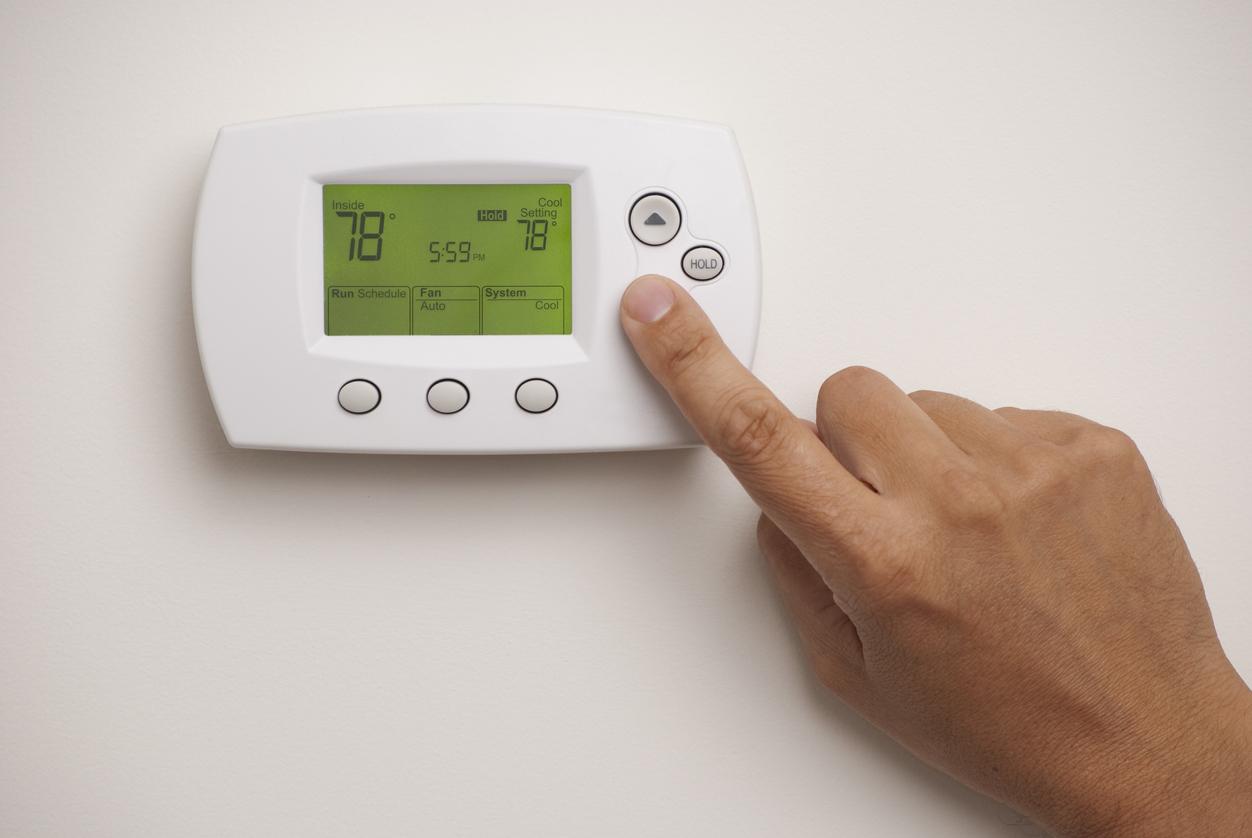
Most air conditioners have buttons or dials to change the temperature. Look for plus and minus signs or arrows.
- Press the “+” button to make the room cooler.
- Press the “−” button to make it warmer.
- Some units have a digital display showing the set temperature.
- Use the remote control if your AC has one for easier adjustment.
Find Comfortable Temperature
Finding a good temperature can make your room feel just right. It depends on your preference and the weather outside.
| Temperature (°F) | Comfort Level |
| 72-75 | Cool and comfortable |
| 76-78 | Warm but okay |
| 79-82 | Slightly warm, save energy |
| Below 72 | Too cold for most people |
Turn On The Air Conditioner
Turning on an air conditioner is simple. It helps cool your room quickly.
Follow easy steps to start your air conditioner safely and correctly.
Press The Power Button
Locate the power button on your air conditioner or remote control. It usually has a circle with a line symbol.
Press the power button once to turn on the unit. Make sure the unit is plugged in and the switch is on.
- Find the power button on the control panel or remote
- Press it once to start the air conditioner
- Check that the unit is connected to power
Wait For Activation
After pressing the power button, wait a few seconds. The air conditioner will begin to cool the air.
You may hear a soft sound when the unit starts. The display light or screen shows it is working.
- Wait 5 to 10 seconds for the unit to start
- Listen for the sound of the fan or compressor
- Look for the display light or status indicator
Credit: www.callroth.com
Use Remote Control Features
Using the remote control makes turning on your air conditioner easy. It lets you adjust settings from across the room.
Most remotes have buttons for power, temperature, and modes. Learning these helps you use your AC well.
Pair Remote If Needed
Sometimes, the remote must be paired with the air conditioner. This connects them so the remote can work properly.
Check your AC manual to see if pairing is required. Usually, you press and hold buttons to start pairing mode.
- Turn on the AC unit manually first
- Press the pairing button on the remote
- Wait for the AC to blink or beep
- Test the remote by pressing the power button
Utilize Timer And Sleep Modes
Timer mode lets you set the AC to turn on or off at specific times. This saves energy and keeps your room cool when needed.
Sleep mode changes the temperature slowly at night. It makes sleeping comfortable and saves power.
- Use timer to schedule AC operation
- Set sleep mode for gradual temperature changes
- Check the remote display to confirm settings
- Cancel timer or sleep mode anytime using the remote
Troubleshoot Common Issues
Turning on your air conditioner should be simple. Sometimes, problems stop it from working.
Knowing how to fix common issues helps you use your air conditioner again quickly.
No Power Or Response
If your air conditioner does not turn on, check the power first. Make sure it is plugged in well.
Look at the circuit breaker or fuse box. Sometimes a switch trips and needs resetting.
- Confirm the power outlet works by testing another device.
- Reset the circuit breaker if it has tripped.
- Check the air conditioner’s power button or remote control batteries.
Unusual Noises
Strange sounds from your air conditioner can mean a problem. These noises can be buzzing, rattling, or grinding.
Noises often come from loose parts or debris inside the unit. It could also be a worn-out motor or fan.
- Turn off the unit and inspect for loose screws or parts.
- Clear any leaves or dirt near the outdoor unit.
- Listen carefully to locate the noise source before calling for service.
Poor Cooling Performance
Your air conditioner may run but not cool well. This problem can happen if filters are dirty or blocked.
Low refrigerant or blocked vents also reduce cooling. Keep the unit clean for best performance.
- Clean or replace the air filters regularly.
- Make sure vents and registers are open and unblocked.
- Check if the outdoor unit is dirty and clean the fins carefully.
- If cooling stays poor, contact a technician to check refrigerant levels.
Frequently Asked Questions
How Do I Turn On A Window Air Conditioner?
Plug in the unit and press the power button on the remote or control panel. Set your desired temperature and mode.
What Is The First Step To Power On An Ac?
Ensure the AC is properly plugged into a power source before pressing the power button to start it.
Can I Turn On The Ac Without A Remote Control?
Yes, use the manual control buttons on the AC unit to turn it on and adjust settings.
How To Turn On Air Conditioner For The First Time?
Plug in the AC, press the power button, and select cooling mode for initial use.
Conclusion
Turning on an air conditioner is simple. Start with the power button. Check the settings. Adjust temperature and fan speed to your liking. Ensure the mode suits the weather. Regular maintenance keeps it efficient. Clean filters often. Keep the area around it clear.
This ensures optimal airflow. Understand the remote or controls well. Learning these basics helps. Enjoy a cool, comfortable space every time. Stay cool and stress-free. Happy cooling!