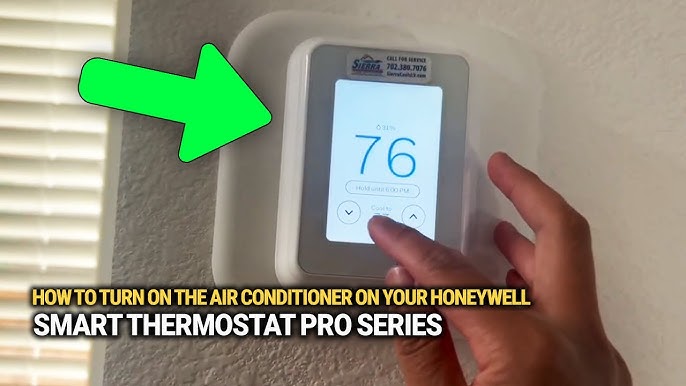
Feeling too hot and ready to cool down quickly? Knowing how to turn your air conditioner on the right way can make all the difference.
It’s not just about pressing a button—you want to do it efficiently to save energy and get cool air fast. In this guide, you’ll discover simple steps that anyone can follow to get your air conditioner running smoothly. Keep reading, and you’ll be enjoying a comfortable, refreshing space in no time.

Credit: www.youtube.com
Check The Power Supply
First, find the power sourcefor the air conditioner. It is usually a wall outlet or a dedicated power plug near the unit. Make sure the plug is firmly connected to the socket. Check the cable for any visible damage.
Next, inspect the circuit breakerin your electrical panel. Sometimes, the breaker trips and cuts off power to the air conditioner. Locate the breaker labeled for the AC unit and see if it is switched off or in the middle position. Flip it fully off and then back on to reset it.
If the power source is good and the breaker is not tripped, the AC should get electricity. This step helps ensure the air conditioner can turn on safely and properly.

Credit: www.youtube.com
Prepare The Air Conditioner
Clean or replace the filtersto keep air fresh and cool. Dirty filters block airflow, making the unit work harder and less efficient.
Remove any obstructionsaround the air conditioner. Clear leaves, dirt, and objects to ensure proper air circulation. This helps the AC cool your space better and last longer.
Use The Remote Control
Start by inserting the correct batteries into the remote control. Make sure the batteries are new and placed in the right direction. Without batteries, the remote won’t work.
Next, select the cooling modeon the remote. This mode is usually marked by a snowflake symbol. It tells the air conditioner to cool the room.
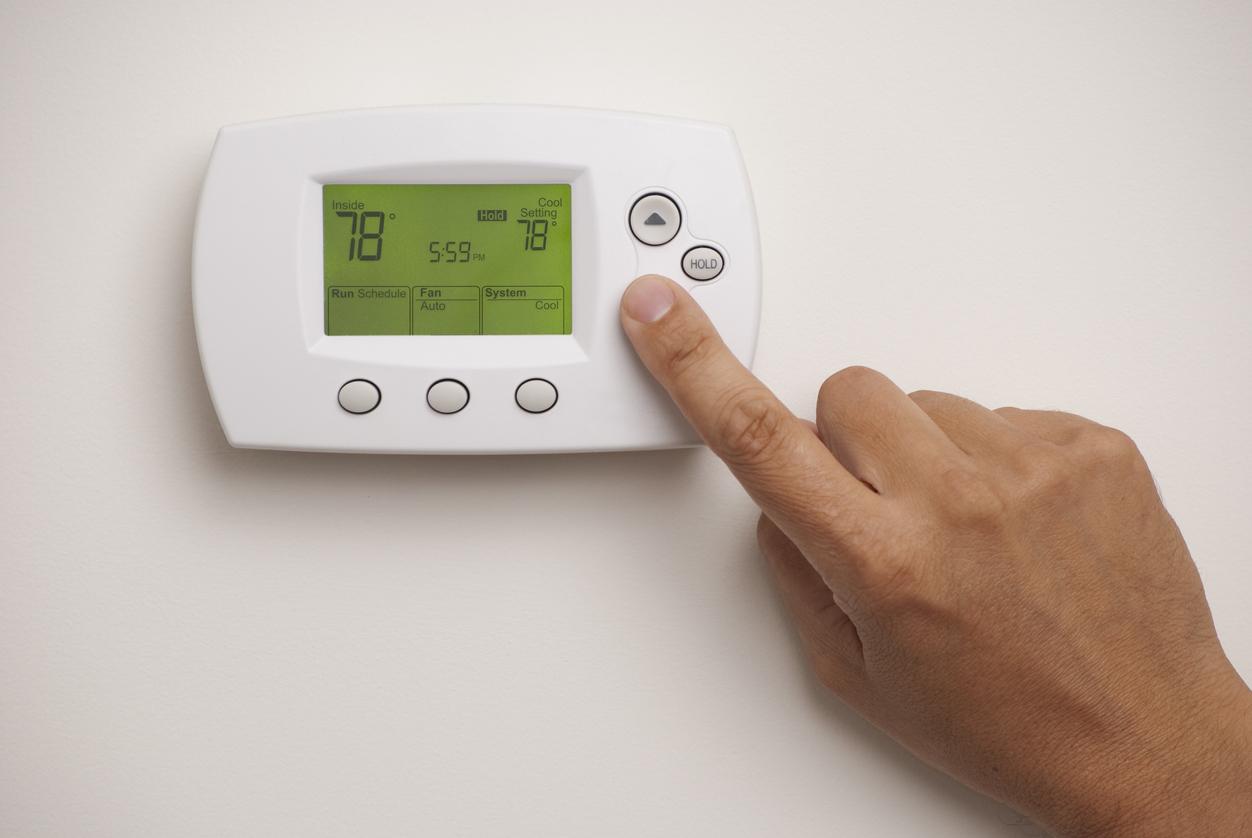
Adjust the temperature settings using the up and down arrows. Choose a temperature that feels comfortable. Setting it too low can waste energy.
Manual Controls On The Unit
The control panelis usually on the front or side of the AC unit. It has buttons or switches to operate the air conditioner.
To turn on the AC, press the power button. You may hear a sound or see a light indicating it is on.
Set the desired temperatureusing the temperature buttons. Choose a comfortable level, usually between 72°F and 78°F. The unit will start cooling to reach that temperature.
Optimize Cooling Performance
Keep doors and windows closedto stop warm air from coming inside. This helps the air conditioner cool the room faster and better. Open doors or windows make the cooling less effective.
Set the fan speedto match your comfort. A higher fan speed moves more air around quickly. A lower speed can be quieter and save energy.
The timer functionlets you control when the air conditioner runs. Use it to turn off the AC after you fall asleep or before you wake up. This saves power and money.
Troubleshoot Common Issues
AC won’t turn on?Check the power source first. Make sure the plug is in and the switch is on. Look at your circuit breaker or fuse box to see if a breaker tripped or fuse blew. Sometimes, resetting these solves the problem quickly.
No cooling effect?Dirty filters block air flow. Clean or replace filters regularly. Also, check thermostat settings. The temperature may be set too high or the mode may not be on cooling. Another cause can be low refrigerant, which needs a professional to fix.
Unusual noises?Strange sounds often mean loose parts or debris inside the unit. Turn off the AC and carefully inspect the fan and motor area. Tighten screws if loose. If noise continues, call a technician to avoid damage.
Credit: www.callroth.com
Frequently Asked Questions
How Do I Turn On My Air Conditioner?
To turn on your air conditioner, locate the power button on the unit or remote control. Press it once to activate the system. Ensure the thermostat is set to your desired temperature. Check if the air conditioner mode is set to “cool” for optimal performance.
Why Is My Air Conditioner Not Starting?
If your air conditioner isn’t starting, check the power supply and circuit breaker. Ensure the thermostat is set correctly and the remote batteries are working. Clean any obstructions from the air filter. If problems persist, consult the user manual or contact a professional technician for assistance.
Can I Use My Air Conditioner Remotely?
Yes, many modern air conditioners come with remote access capabilities. Download the manufacturer’s app and connect your air conditioner to Wi-Fi. Follow the app’s instructions to control your air conditioner from your smartphone, offering convenience and energy efficiency.
What Should I Do If My Ac Remote Fails?
If your AC remote fails, check the batteries first. Replace them if necessary. Ensure there are no obstructions between the remote and the unit. If the remote still doesn’t work, consult the user manual or contact customer support for further assistance.
Conclusion
Turning on your air conditioner is easy and quick. Start by checking the power source. Use the remote or the unit’s control panel to switch it on. Set the temperature to your comfort level. Wait a few minutes for cool air to flow.
Regularly clean filters to keep it working well. Enjoy a cool, comfortable space anytime you need. Simple steps can make a big difference in hot weather. Stay cool and save energy by using your AC wisely.