Have you ever wondered if your car camera is watching everything all the time? You might rely on it to keep you safe, but do you really know when it’s recording?
Understanding how your car camera works can protect you from surprises and help you make the most of its features. Keep reading to discover the truth about when your car camera records—and why it matters for your safety and peace of mind.
How Car Cameras Work
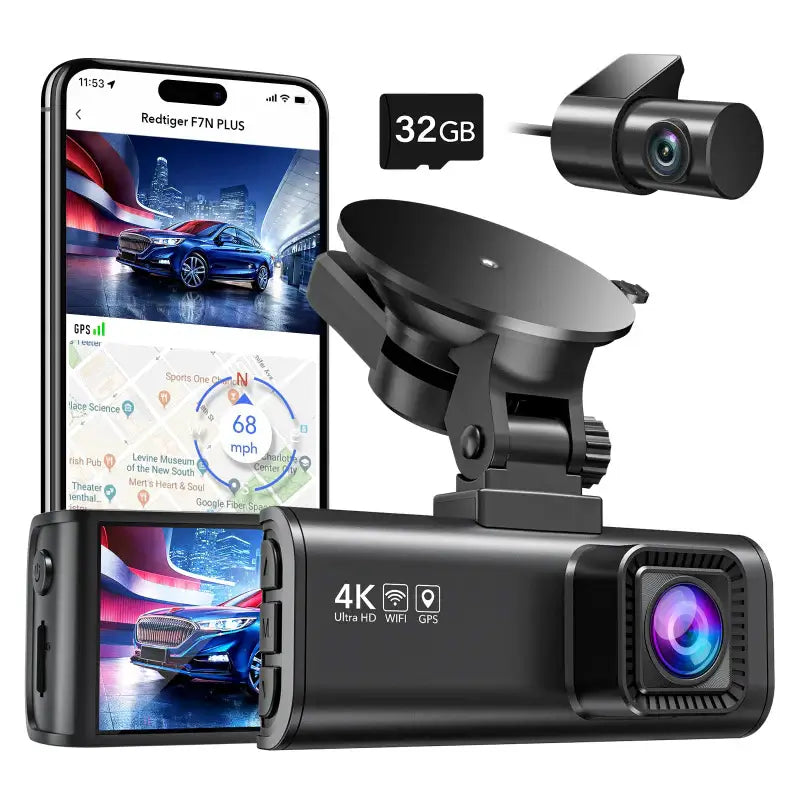
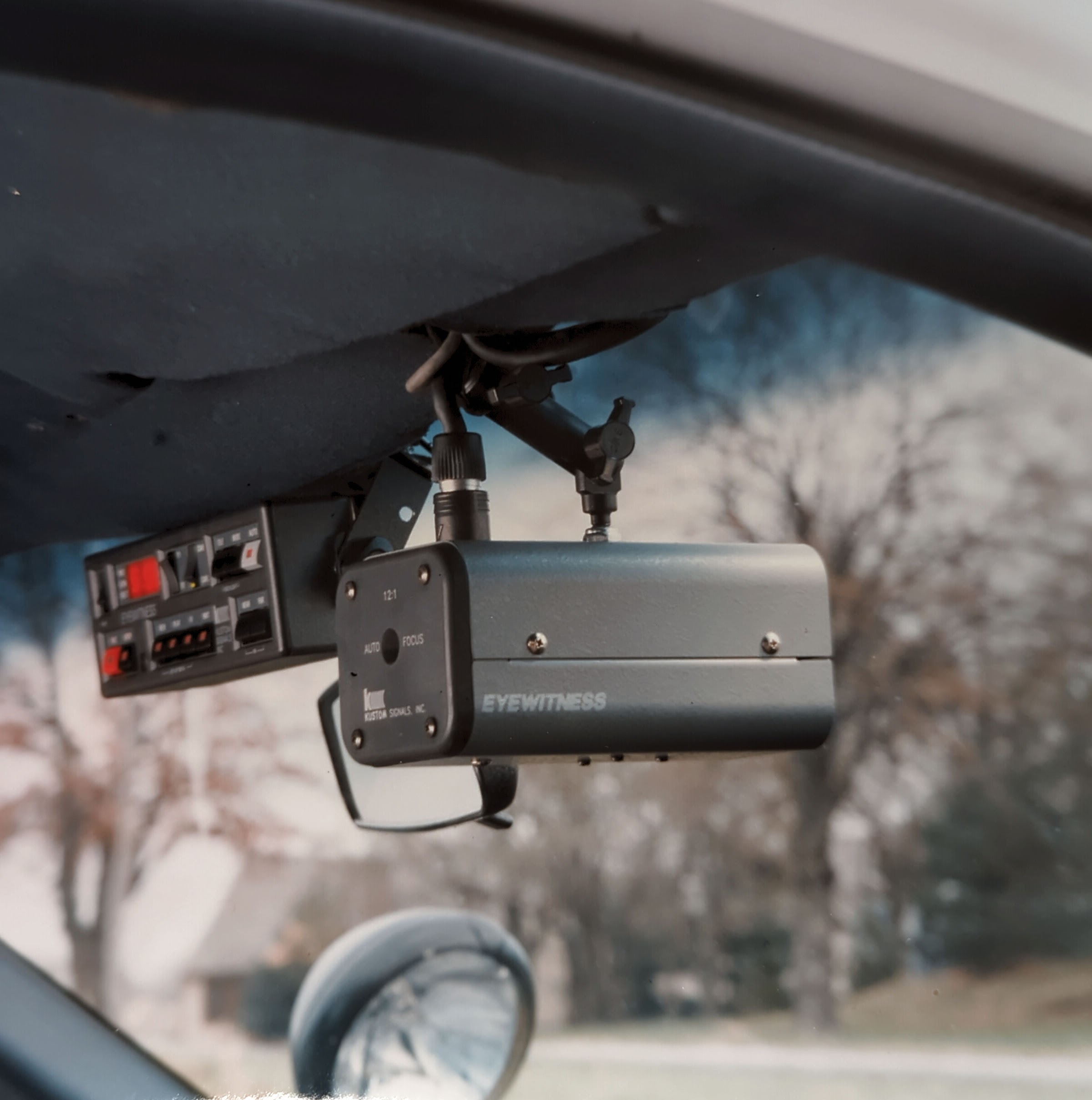
Car cameras, also called dash cams, record video footage while driving. They help capture events on the road for safety and proof after accidents.
These cameras use different technologies and power sources to operate. Understanding their types and how they turn on is useful.
Types Of Car Cameras
There are several types of car cameras. Each type serves a different purpose and records in various ways.
- Front Dash Cameras:Mounted on the windshield, they record the road ahead.
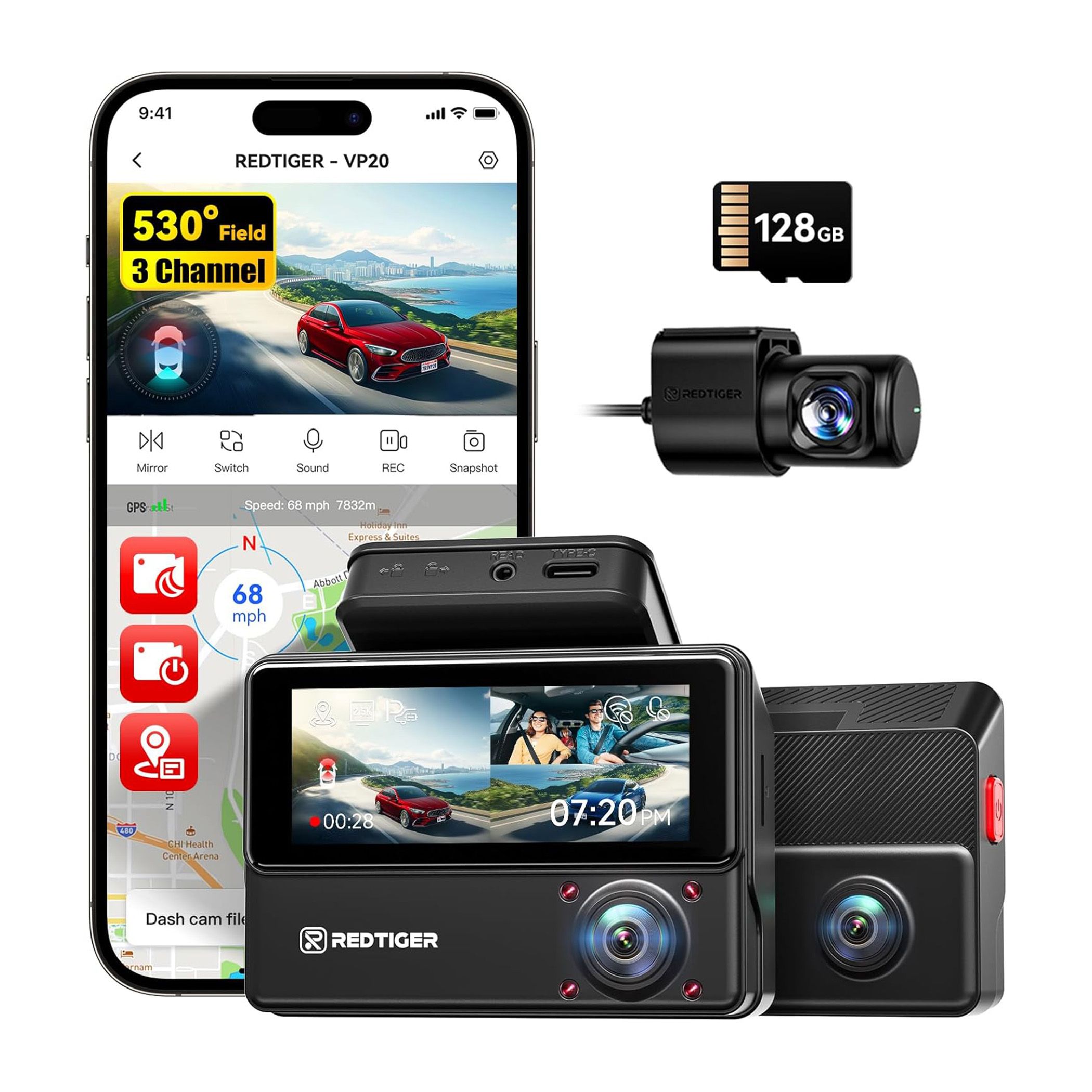
- Rear Cameras:Installed at the back, they capture what happens behind the car.
- Interior Cameras:Placed inside, these record the passengers and driver area.
- 360-Degree Cameras:Use multiple lenses to cover all angles around the vehicle.
Power Sources And Activation
Car cameras need power to work. They use different methods to turn on and off based on the car’s status.
| Power Source | How It Works |
| Car Battery | Camera runs while the car is on. |
| Built-in Battery | Allows short recording after the car turns off. |
| Capacitor | Prevents data loss during sudden power cuts. |
Cameras may start recording automatically when the car starts. Others activate when they detect motion or impacts.
Credit: kustomsignals.com
Recording Modes Explained
Car cameras use different recording modes to capture footage. Each mode works based on certain conditions. Understanding these helps you know when and how your camera records.
This guide explains the main recording modes found in most car cameras. Learn how they keep you safe on the road.
Continuous Recording
Continuous recording means the camera records non-stop while the car is on. It saves video in small files that overwrite older ones when the memory is full.
- The camera starts recording as soon as the engine runs.
- Videos are saved in loops to use storage efficiently.
- This mode captures everything on the road during driving.
Event-triggered Recording
This mode records only when the camera detects an event. Events can be sudden movements, impacts, or sharp braking. It helps save storage and focuses on important moments.
| Trigger | Description |
|---|---|
| Collision | Records when the car hits or is hit. |
| Sudden Movement | Starts recording if the car shakes or moves fast. |
| Emergency Braking | Captures video when brakes are applied hard. |
Parking Mode Recording
Parking mode works when the car is parked and the engine is off. It records if it senses motion or impact near the vehicle. This helps catch vandalism or accidents in the parking lot.
- Motion Detection: Records when movement is near the car.
- Impact Detection: Saves video if the car is hit while parked.
- Low Power Use: Runs on battery or low power to avoid draining the car’s battery.
Storage And Overwriting
Car cameras record video while you drive. They save this footage on a memory card inside the device. The storage size and how the camera handles old files affect how long videos stay saved.
Understanding storage and overwriting helps you know if your car camera records all the time or only during events.
Memory Capacity
Memory capacity means how much video the memory card can hold. Most car cameras use microSD cards. The bigger the card, the more footage it can store.
Common sizes are 16GB, 32GB, 64GB, or 128GB. A 64GB card can save several hours of video. If the card is full, the camera must manage space for new recordings.
Loop Recording Function
Loop recording lets the camera record continuously. When the memory card is full, it deletes the oldest files. This frees space for new videos automatically.
This function means the camera does not stop recording. It overwrites old footage unless you save important clips manually.
Privacy And Legal Aspects
Car cameras are popular for safety and security. Many people wonder if these cameras record all the time.
It is important to know the privacy and legal rules about car camera recordings.
Data Ownership
The person who owns the car camera usually owns the recorded videos. This means they can watch, save, or delete the videos.
Some cameras upload videos to the cloud. In this case, the company may also have access to the files.
- Owner controls how videos are used
- Cloud storage may share data with companies
- Sharing videos with others should respect privacy
Legal Restrictions
Laws about car cameras vary by country and state. Some places allow recording everywhere. Others limit where or when you can record.
Recording audio without consent is often illegal. Video recording may also have rules to protect others’ privacy.
- Check local laws before using a car camera
- Do not record private conversations without permission
- Use videos only for legal and fair purposes
Tips For Using Car Cameras Effectively
Car cameras help record your trips and protect you from accidents. Using them well can give you clear evidence if needed. Knowing how to pick and use these cameras is key.
This guide covers how to choose a good camera, set it up right, and keep it working well. Follow these tips to get the best from your car camera.
Choosing The Right Camera
Pick a camera that suits your needs and budget. Look for clear video quality and easy installation. Some cameras record all the time, others only when driving.
- Check video resolution for clear images
- Choose wide-angle lenses to capture more
- Look for night vision for low-light recording
- Decide if you need front, rear, or dual cameras
- Consider cameras with motion detection for parking
Optimal Settings
Adjust your car camera settings to get the best recordings. Proper settings help save space and ensure important events are captured.
| Setting | Recommended Option | Reason |
| Resolution | 1080p or higher | Clear video quality |
| Loop Recording | Enabled | Continuous recording without stopping |
| G-Sensor Sensitivity | Medium to High | Detects impacts to save video clips |
| Parking Mode | On (if available) | Records when parked and motion is detected |
| Time and Date | Set correctly | Accurate timestamps for evidence |
Maintenance And Updates
Keep your car camera working well by cleaning and updating it. Regular care helps avoid failures and keeps recordings safe.
Follow these maintenance tips:
- Clean the lens with a soft cloth monthly
- Format the memory card every few weeks
- Check for firmware updates on the manufacturer’s website
- Test the camera regularly to confirm it records properly
- Replace the memory card if errors appear

Credit: www.redtigercam.com
Credit: www.popularmechanics.com
Frequently Asked Questions
Do Car Cameras Record Continuously?
Car cameras often record continuously, capturing footage as long as they’re powered. Some models offer loop recording, overwriting old files when storage is full. However, specific settings can vary by brand and model, so it’s essential to check your camera’s manual for precise details.
How Do Car Cameras Store Recorded Footage?
Car cameras typically store footage on microSD cards, which are easy to replace and upgrade. Some advanced models offer cloud storage options. It’s crucial to regularly check and manage storage to ensure important footage isn’t overwritten, especially if loop recording is enabled.
Can Car Cameras Record When The Car Is Off?
Some car cameras have a parking mode feature, allowing them to record even when the car is off. This mode often activates when motion or impact is detected, providing extra security. However, it may require a hardwired setup to ensure power is continuously supplied.
Are Car Cameras Activated By Motion?
Many car cameras come equipped with motion detection features. This allows them to start recording when movement is detected around the vehicle. This feature is particularly useful for surveillance when the car is parked, ensuring any suspicious activity is captured.
Conclusion
Car cameras do not always record nonstop. Many models start recording only when the car moves or senses impact. Some cameras record continuously but may overwrite old footage automatically. This helps save storage space and keep important videos. Knowing how your car camera works can protect you better.
Always check your camera settings and memory limits. This way, you stay ready for any road situation. Choosing the right camera depends on your needs and budget. Stay informed to get the most from your car camera.