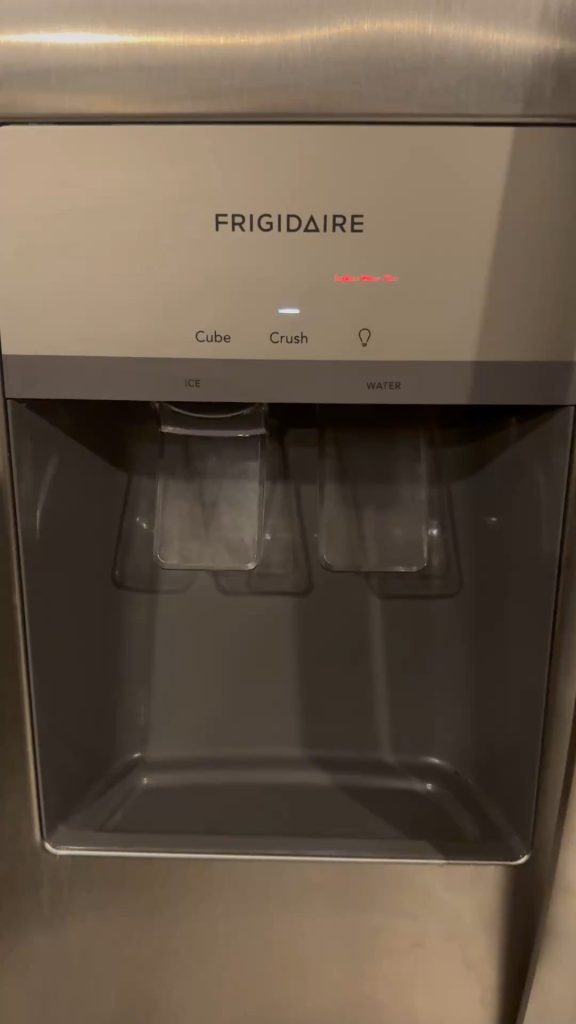
Is your ice maker light blinking, and you’re not sure why? That blinking light is trying to tell you something important about your ice maker’s health.
Ignoring it could mean no more ice when you need it most. But don’t worry—you’re about to discover the simple reasons behind that flashing light and how you can fix it quickly. Keep reading, and you’ll be back to enjoying perfectly chilled drinks in no time.
Common Reasons For Blinking Light
A blinking ice maker light often signals a problem with water supply, power, or ice jam. It may also indicate the ice bin is full or the door is open. Checking these common issues usually helps fix the blinking light quickly.
When your ice maker’s light blinks, it signals an issue. Understanding the reasons can help resolve the problem quickly. This section explores common causes for a blinking light on your ice maker.Power Issues
Power disruptions often cause a blinking light. Check if your ice maker is plugged in properly. A loose connection might interrupt the power supply. Inspect the circuit breaker too. It might have tripped, cutting off the power. Ensure your ice maker receives a steady power flow.Water Supply Problems
A blinking light can indicate water supply issues. Verify that the water valve is open. If the water line is kinked, it may hinder water flow. Inspect for any leaks or blockages. These can prevent the ice maker from filling up.Ice Maker Jam
Ice jams are common culprits. Accumulated ice can obstruct normal operation. Check the ice tray for any blockages. Clear away any ice pieces that might be causing a jam. Ensuring a smooth path is essential for proper function.Temperature Fluctuations
Temperature swings affect ice production. If the freezer is too warm, ice may not form properly. Adjust the thermostat to maintain a consistent temperature. This helps the ice maker work efficiently.Filter Replacement Alert
A blinking light might signal a filter change. Over time, filters clog with impurities. Check the filter’s condition and replace it if necessary. A new filter ensures clean water for ice making. Regular maintenance extends the ice maker’s life.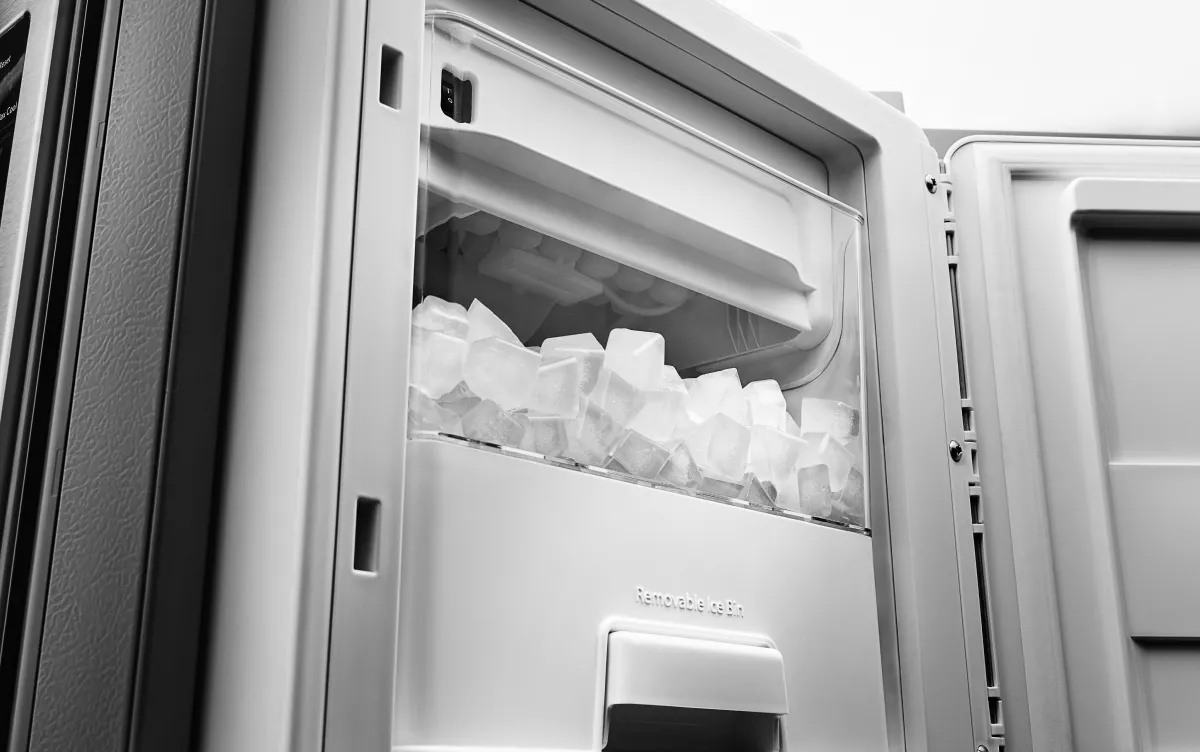
Credit: www.kitchenaid.com
Quick Fixes To Try
The blinking light on your ice maker signals a problem. Simple actions often fix this issue fast. Try these quick fixes to bring your ice maker back to work. Each step targets a common cause of blinking lights.
Resetting The Ice Maker
Resetting can clear small errors in the system. Locate the reset button on the ice maker. Press and hold it for about 10 seconds. Release and wait for the machine to restart. This often stops the blinking light and restarts ice production.
Checking Water Lines
Water supply issues can cause blinking lights. Inspect the water lines for kinks or leaks. Make sure the water valve is fully open. Clear any blockages in the hose. Proper water flow is essential for ice making.
Clearing Ice Jams
Ice jams block the machine’s normal cycle. Open the ice maker and look for stuck ice. Carefully remove any clumps or ice buildup. Use warm water if needed to melt ice gently. Keep the area clear to prevent blinking alerts.
Replacing Water Filters
Dirty filters reduce water flow and ice quality. Check the filter status indicator. Replace the filter if it’s old or clogged. Use the manufacturer’s recommended filter type. Clean water helps your ice maker run smoothly.
Adjusting Temperature Settings
Incorrect temperature stops ice production. Check the freezer’s temperature setting. Set it between 0°F and 5°F (-18°C to -15°C). Too warm or too cold affects ice formation. Proper temperature keeps the ice maker running without error.
When To Call A Professional
Knowing when to call a professional for your blinking ice maker light can save you time and prevent further damage. Some signs indicate that the issue is beyond simple troubleshooting and requires expert attention. Paying attention to these warning signals helps you avoid costly repairs and keeps your ice maker working smoothly.
Persistent Blinking Light
If the blinking light on your ice maker won’t stop despite your attempts to reset or troubleshoot, it’s a clear sign to call a professional. This persistent signal often means there’s a deeper electrical or mechanical problem inside the unit. Ignoring it could lead to a complete breakdown.
Unusual Noises
Have you noticed strange sounds like grinding, buzzing, or clicking coming from your ice maker along with the blinking light? These noises usually point to failing components such as the motor or fan. A technician can diagnose and fix these issues before they get worse.
Water Leakage
Water pooling around your ice maker or leaking from it is a serious concern. This problem combined with a blinking light might mean a faulty water inlet valve or a damaged hose. Water leaks can cause electrical hazards and damage your flooring, so professional help is essential.
Electrical Concerns
If you experience flickering lights, tripped breakers, or your ice maker feels unusually warm while the indicator blinks, it could indicate electrical problems. These issues can be dangerous if not handled properly. Only a qualified technician should inspect and repair electrical faults to ensure your safety.

Credit: www.youtube.com
Preventive Maintenance Tips
Keeping your ice maker running smoothly means staying ahead with preventive maintenance. Small, regular efforts can stop blinking lights and bigger problems before they start. Let’s look at practical ways you can maintain your ice maker and avoid those frustrating alerts.
Regular Cleaning
Cleaning your ice maker isn’t just about looks—it directly affects performance. Ice machines can build up minerals, mold, or slime that block sensors and cause blinking lights. Wiping down the interior every few weeks and running a cleaning cycle with a manufacturer-approved solution keeps everything clear and working well.
Think about how a dirty fridge smells and how that impacts your food. Your ice maker is no different; neglecting cleaning can lead to unpleasant tastes and malfunction signals. Have you checked your ice bin lately? A quick clean might fix that blinking light instantly.
Scheduled Filter Changes
Filters trap impurities that can clog your ice maker and trigger warning lights. Changing them on schedule keeps water flowing freely and your ice pure. Most manufacturers recommend replacing filters every six months, but if your water is hard or heavily chlorinated, more frequent changes might be needed.
Ignoring filters can cause your ice maker to work harder, reducing its lifespan. Ask yourself: When was the last time you replaced your ice maker’s filter? Setting a reminder on your phone can save you from unexpected maintenance calls.
Monitoring Water Quality
Water quality directly impacts your ice maker’s health. Hard water or water with high mineral content can cause scale buildup, leading to blinking error lights. Using a water test kit helps you understand what’s in your water and whether you need a water softener or additional filtration.
Have you noticed changes in ice texture or taste? These signs often point to water quality issues. Addressing this early can prevent sensor malfunctions and extend your ice maker’s service life.
Avoiding Overuse
Running your ice maker constantly or beyond its capacity stresses the system. Overuse can cause overheating and trigger blinking lights as a warning. Give your machine rest periods, especially during heavy usage days, to cool down and reset.
Think about your own work schedule—constant activity without breaks leads to burnout. Your ice maker needs downtime too. Have you ever let your machine rest overnight? This simple habit can reduce errors and keep ice production steady.
Choosing The Right Ice Maker
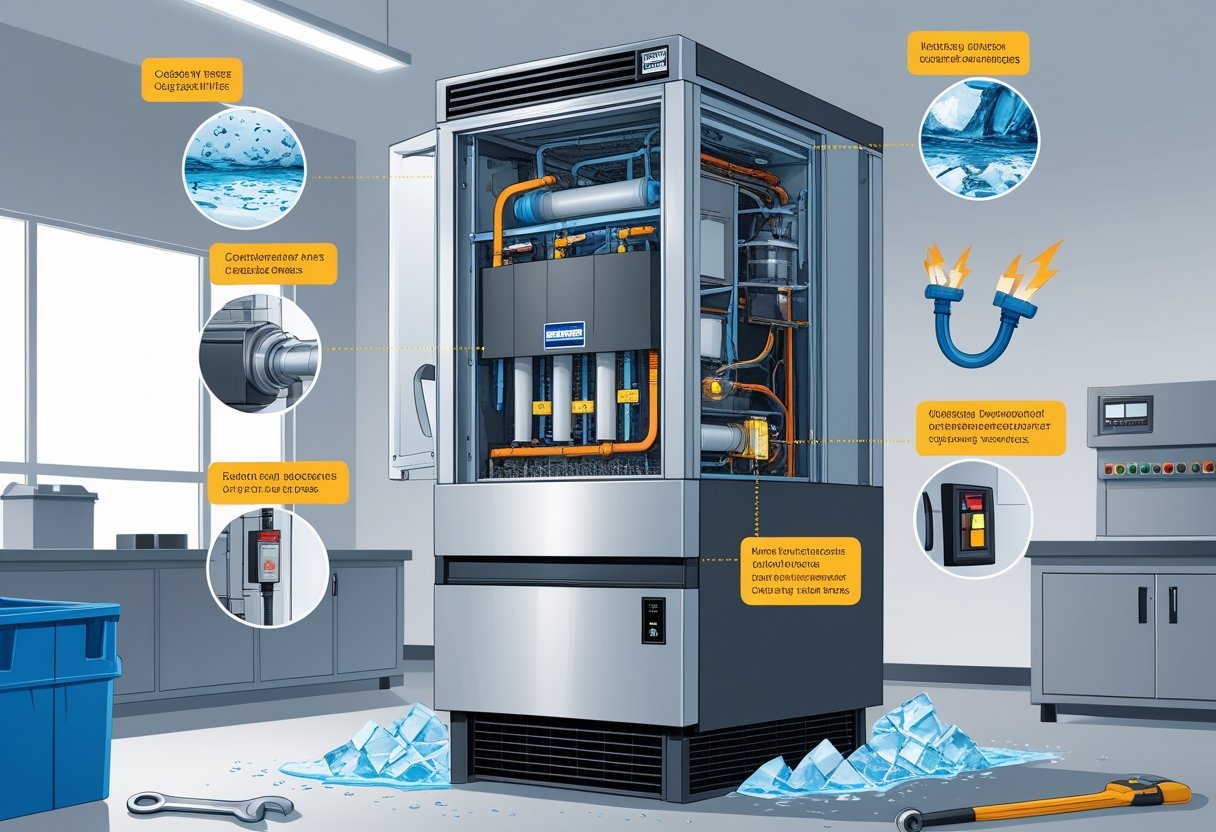
Choosing the right ice maker can save time and avoid frustration. Not all ice makers are the same. Some models suit small kitchens, while others fit large families or offices. Picking the perfect ice maker means understanding your needs. This helps prevent common issues like blinking lights and malfunctions.
Features To Look For
Check how much ice the machine makes daily. A good ice maker should match your ice consumption. Look for easy-to-use controls and clear indicators. Some models offer different ice sizes and fast freezing. A self-cleaning function helps keep the machine fresh. Noise level matters, especially in quiet spaces.
Energy Efficiency
Energy-saving ice makers lower electricity bills. Choose models with Energy Star certification. These use less power and water. Efficient machines work better in warm or cold rooms. An energy-efficient ice maker reduces your environmental impact. It also runs longer without overheating.
Warranty And Support
Check the warranty period before buying. A longer warranty means better protection. Good customer support can solve problems quickly. Look for brands with easy access to parts and service. Reading reviews helps find reliable companies. Support is crucial if the ice maker light blinks or other issues arise.
Credit: memphisice.com
Frequently Asked Questions
Why Is My Ice Maker Light Blinking Constantly?
A blinking light usually signals an error or alert. It may indicate a jam, low water, or a door left open. Check the ice maker’s manual to identify the specific issue and resolve it promptly.
How Do I Reset A Blinking Ice Maker Light?
Unplug your refrigerator for 5 minutes to reset the ice maker. Plug it back in and press the reset button if available. This often clears minor errors causing the blinking light.
Can A Blinking Ice Maker Light Mean Water Supply Issues?
Yes, blinking can indicate water supply problems. Ensure the water line is connected, turned on, and not frozen or clogged. Proper water flow is essential for ice maker operation.
Is A Blinking Ice Maker Light A Sign Of A Full Ice Bin?
Some models blink when the ice bin is full. Remove excess ice or empty the bin to stop the blinking. This prevents jams and keeps the ice maker running smoothly.
Conclusion
A blinking ice maker light signals a problem. It could mean the ice maker needs a reset or cleaning. Sometimes, the water supply is low or frozen. Checking these simple things helps fix the issue fast. Remember, regular maintenance keeps your ice maker working well.
Don’t ignore blinking lights—they guide you to the solution. Taking quick action saves time and hassle. Stay alert and your ice maker will keep making ice smoothly.