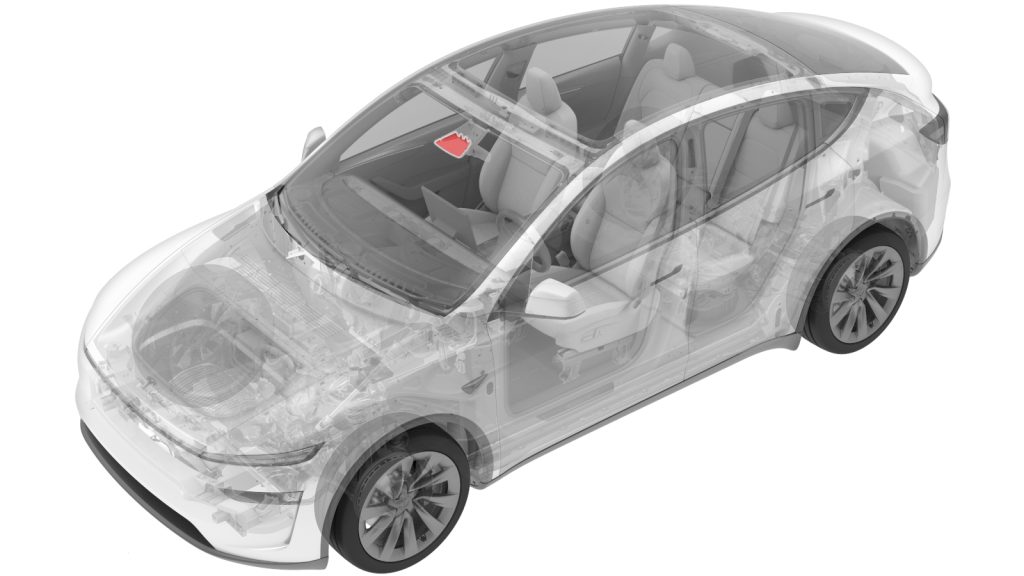
Your Tesla’s cameras are your car’s eyes on the road. Keeping them clean is key to making sure your Autopilot and safety features work perfectly every time.
If you want to avoid blurry images, false alerts, or missed signals, you need to know the right way to clean your Tesla cameras. In this guide, you’ll discover simple, effective tips that protect your car’s technology while keeping those lenses crystal clear.
Ready to learn how to keep your Tesla’s vision sharp and reliable? Let’s dive in.
Why Clean Tesla Cameras
Keeping your Tesla cameras clean is essential for maintaining their optimal performance. These cameras play a crucial role in your vehicle’s safety and driver assistance features. Ignoring their cleanliness can lead to reduced visibility and potential safety risks while driving.
Impact Of Dirt On Camera Performance
Dirt, dust, and grime can easily accumulate on Tesla cameras, especially if you drive in dusty or rainy conditions. This buildup blurs the camera’s view and distorts the images it captures. As a result, your Tesla might misinterpret its surroundings or miss important details like lane markings and obstacles.
Have you ever noticed your autopilot behaving strangely after a long drive in poor weather? That could be due to dirty cameras. Regular cleaning ensures the cameras provide a clear, unobstructed view, allowing the system to operate accurately.
Safety And Driving Assistance
Tesla’s advanced driving assistance features rely heavily on camera input. Features like Autopilot, lane-keeping assist, and emergency braking depend on clear camera data. When cameras are dirty, these systems may not function correctly, potentially putting you and others at risk.
Imagine relying on your car to spot a pedestrian or a sudden obstacle, but the camera misses it because of dirt. Would you feel confident in your vehicle’s safety systems then? Keeping your Tesla cameras clean is a simple step to ensure these life-saving features work as intended every time you drive.

Credit: www.youtube.com
When To Clean Tesla Cameras
Knowing when to clean Tesla cameras is key for safe driving. These cameras guide your car’s autopilot and security features. Dirt, dust, or water spots can block their view. This affects camera performance and your car’s safety. Regular checks help keep cameras clear and working well. Recognizing the right time to clean keeps your Tesla ready for the road.
Signs Of Dirty Cameras
- Blurry or foggy camera images on the screen
- Autopilot warnings or errors about camera obstruction
- Reduced lane-keeping or adaptive cruise control accuracy
- Visible dirt, mud, or water spots on camera lenses
- Camera feeds not showing or freezing on the display
Recommended Cleaning Frequency
Clean Tesla cameras at least once a month. More often in rainy or dusty areas. After heavy rain, snow, or off-road driving, check cameras. Winter road salt can also blur lenses quickly. Regular cleaning prevents buildup that blocks camera views. A quick wipe before long trips improves safety and camera function.
Tools Needed For Cleaning
Keeping your Tesla cameras clean is essential for optimal performance and safety. Having the right tools on hand makes the cleaning process easier and prevents damage. Let’s look at what you need before you start wiping down those lenses.
Soft Microfiber Cloths
Microfiber cloths are your best friend for cleaning Tesla cameras. Their soft fibers gently lift dirt without scratching delicate surfaces. Using a regular towel or paper towel might seem convenient, but it can leave tiny scratches that blur your camera’s vision.
Choose a clean, lint-free microfiber cloth. If you’ve ever tried cleaning your glasses or phone screen, you know how effective these cloths are. Keep a few on hand so you always have a fresh one ready.
Cleaning Solutions To Avoid
Not all cleaning liquids are safe for Tesla cameras. Harsh chemicals like ammonia, bleach, or alcohol-based cleaners can damage the camera lens coating. They might also cause fogging or discoloration, which affects camera clarity.
Stick to using just water or a mild soap diluted in water if necessary. Even then, apply the solution to your cloth first, not directly on the camera. Have you ever ruined a gadget by using the wrong cleaner? Avoid that frustration by being cautious with what you apply.
Optional Accessories
While a microfiber cloth is enough for regular cleaning, a few optional tools can help with stubborn spots. Lens cleaning brushes with soft bristles can gently remove dust without scratching. Compressed air in a small canister can blow away debris from hard-to-reach corners.
Some owners also use a magnifying glass to inspect the lenses before and after cleaning. This helps ensure no smudges or particles remain. Have you tried any of these tools? They can make a big difference when precision matters.
Step-by-step Cleaning Process
Keeping Tesla cameras clean is important for clear vision and safe driving. Dirt, dust, and grime can block camera lenses, reducing their effectiveness. Follow this step-by-step cleaning process to maintain your Tesla cameras in top condition. Simple care can ensure your cameras work well every time.
Preparing The Vehicle
Park your Tesla in a shaded, dry place to avoid water spots. Turn off the vehicle and engage the parking brake. Gather soft microfiber cloths, distilled water, and a gentle cleaning solution. Avoid harsh chemicals that can damage the camera lenses. Make sure you have a clean spray bottle and a soft brush ready.
Gently Removing Dirt And Debris
Use a soft brush or compressed air to remove loose dirt. Spray a small amount of cleaning solution on a microfiber cloth, not directly on the camera. Wipe the camera lenses gently in circular motions. Avoid pressing too hard to prevent scratching the lenses. Repeat until all visible dirt is removed.
Drying And Final Inspection
Use a dry microfiber cloth to carefully dry the lenses. Check the cameras from different angles to ensure no spots or streaks remain. If needed, repeat cleaning on stubborn areas with a light touch. Confirm all cameras are clear and free of debris for optimal performance.
Tips To Protect Tesla Cameras
Protecting your Tesla cameras is essential to keep them functioning at their best. These cameras provide vital information for your car’s safety features, so maintaining their clarity and condition pays off in reliable performance. Here are some practical tips to help you shield your Tesla cameras from damage and keep them clean effectively.
Avoiding Scratches
Scratches can seriously impair your Tesla cameras’ ability to capture clear images. Always use a soft microfiber cloth for cleaning; rough materials can easily cause scratches. Avoid using abrasive cleaners or scrubbing too hard, as this can wear down the camera lenses over time.
Have you ever tried wiping a camera lens with a paper towel and noticed tiny scratches afterward? That’s a quick way to reduce your camera’s effectiveness. Instead, gently dab or wipe in circular motions to protect the lens surface.
Preventing Water Spots
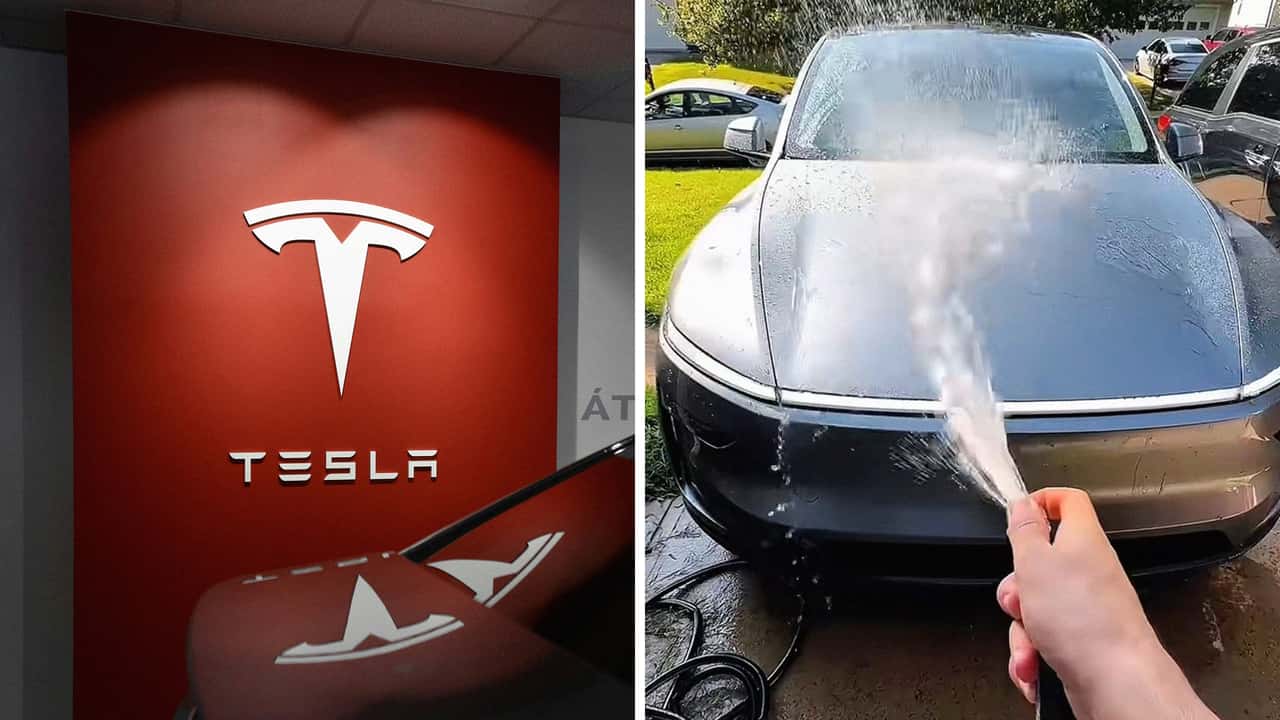
Water spots can blur the camera’s view and confuse the sensors. After washing your car or after rain, dry the cameras carefully with a clean, dry microfiber cloth. Avoid letting water droplets sit on the lenses for long periods.
Consider applying a small amount of water-repellent solution designed for camera lenses or windshields. This can help water bead off quickly, reducing the chance of spots forming. Do you check your cameras after every wash or rain to catch water spots early?
Regular Maintenance Habits
Make checking and cleaning your Tesla cameras part of your regular car care routine. Inspect them weekly for dirt, dust, or debris that can accumulate unnoticed. Simple, consistent maintenance prevents build-up that’s harder to remove later.
- Keep a dedicated microfiber cloth in your car for quick cleanups.
- Use gentle, camera-safe cleaning sprays when needed.
- Avoid touching the lenses with fingers, which can leave oils behind.
By making these habits regular, you ensure your Tesla cameras always perform their best. What small changes can you make in your routine to protect these important sensors?
Credit: insideevs.com
Troubleshooting Camera Issues
Troubleshooting camera issues in your Tesla can save you time and prevent unnecessary visits to service centers. Cameras are essential for safety features like Autopilot and parking assistance, so keeping them functional is crucial. Understanding simple fixes and knowing when to ask for professional help can keep your Tesla’s vision clear and reliable.
Resetting Camera Systems
If your Tesla cameras are not working properly, the first step is often to reset the system. This can clear temporary glitches affecting camera performance.
To reset the cameras, try rebooting your Tesla’s touchscreen by holding down both scroll buttons on the steering wheel until the screen goes black and restarts. This soft reset can resolve many minor camera errors.
Another option is to power off the vehicle completely through the settings menu and wait for a few minutes before turning it back on. This full system reboot can refresh the cameras and sensors.
Have you noticed your cameras freeze or show blurry images after a software update? Resetting often restores normal function without needing further action.
When To Seek Professional Help
Some camera issues require expert diagnosis and repair. If resetting doesn’t fix the problem, it might be time to contact Tesla service.
Look out for persistent error messages about cameras, distorted images, or cameras not activating during driving. These signs often indicate hardware issues or sensor misalignment.
Physical damage, like cracks or dirt that can’t be cleaned off easily, also needs professional attention. Tesla technicians have the tools to calibrate or replace faulty camera components safely.
Ignoring severe camera problems can compromise your vehicle’s safety features. Would you want to risk your Autopilot system not seeing obstacles properly?

Credit: www.youtube.com
Frequently Asked Questions
How Often Should I Clean Tesla Cameras?
Clean Tesla cameras every few weeks or after heavy dirt exposure. Regular cleaning maintains clear images and ensures optimal Autopilot functionality. Avoid letting grime build up for the best camera performance.
What Materials Are Safe For Tesla Camera Cleaning?
Use a soft microfiber cloth and gentle cleaning solution. Avoid abrasive materials, ammonia, or alcohol-based cleaners to prevent lens damage. A damp cloth with water or lens cleaner is ideal for safe cleaning.
Can I Clean Tesla Cameras While Driving?
No, never clean Tesla cameras while driving. Always stop the vehicle safely before cleaning. Cleaning during driving is dangerous and can cause accidents or damage to the cameras.
How Do I Avoid Damaging Tesla Camera Lenses?
Use only soft, lint-free cloths and gentle cleaners. Avoid applying excessive pressure or using sharp objects. Handle lenses gently to prevent scratches and maintain camera clarity.
Conclusion
Cleaning Tesla cameras ensures clear vision and safety. Use gentle materials. Soft cloths work best. Avoid harsh chemicals that damage lenses. Regular cleaning helps maintain performance. Keep cameras free from dust and debris. This ensures Tesla’s sensors function properly. Follow these tips to keep your ride smooth and safe.
Remember, a clean camera means better driving experience. Stay attentive and prioritize maintenance. Your Tesla deserves the best care. Safe travels on every journey!